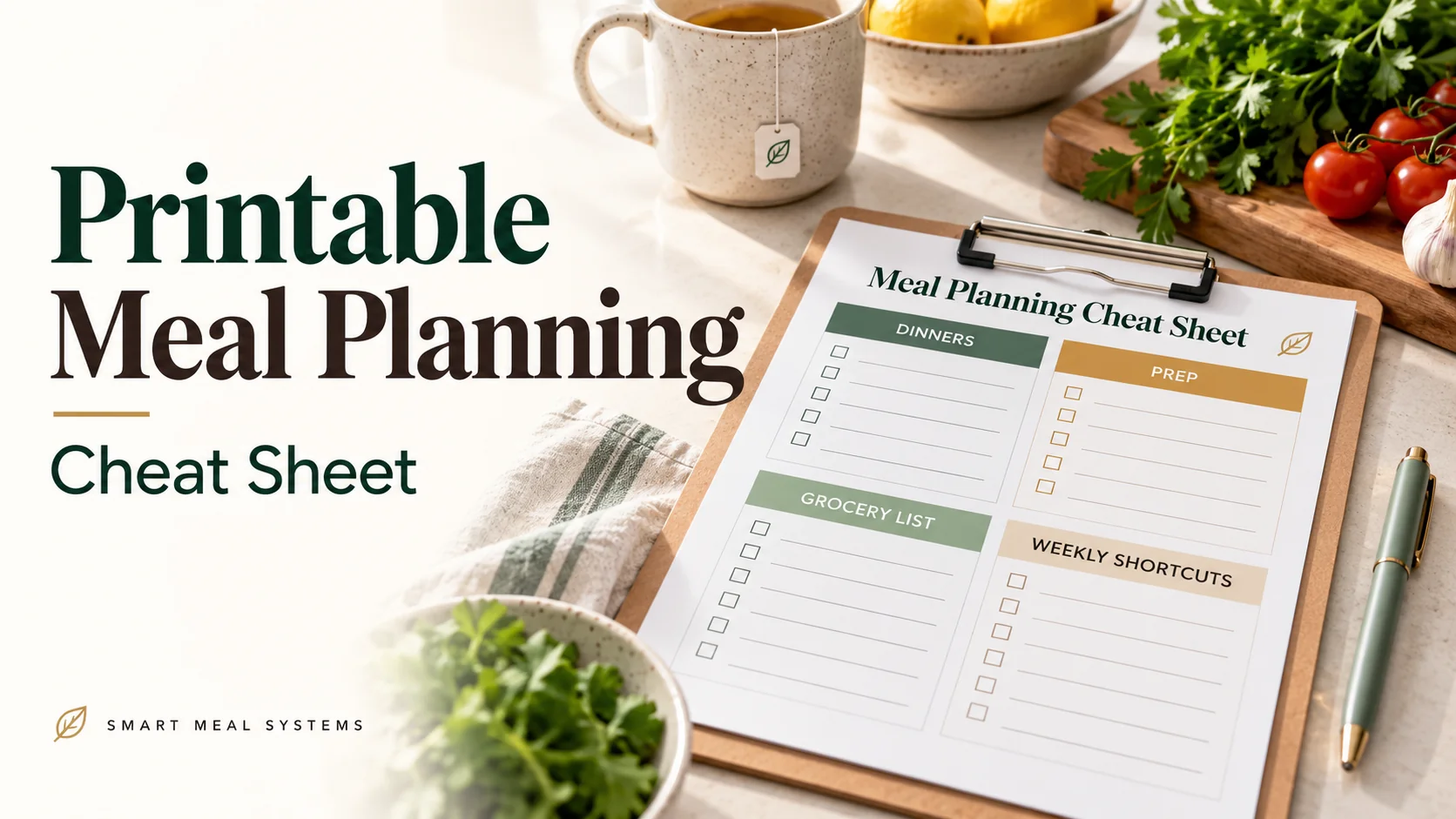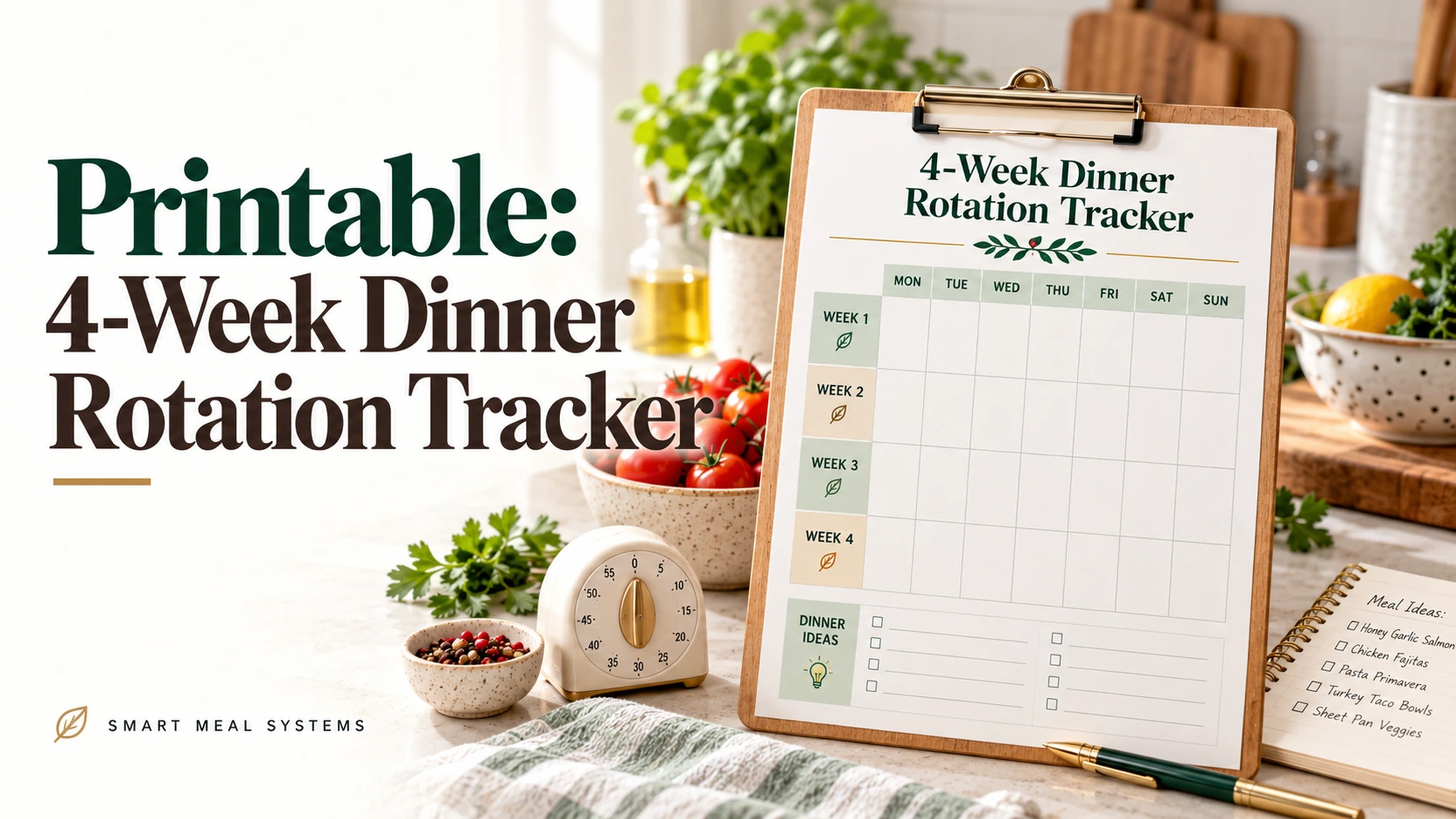
A dinner rotation removes most of the weekly decisions: you plan two weeks once, then repeat them. The part people skip is the review. Without it, a rotation either goes stale or quietly gets abandoned.
This printable is built around a four-week cycle: plan Week A and Week B, run them twice, and then use a one-page review to decide what stays, what goes, and what to try next.
Get the printable
Open the 4-Week Dinner Rotation Tracker →
Two pages. Use the Print / Save as PDF button on the page.
What’s on the sheet
Page 1: Week A and Week B. Two seven-day tables with columns for a busy-night flag, the dinner, prep or thaw notes, and a “made” tick.
Page 2: The tracker and review.
- A four-week table to record dinners cooked, takeout nights, swaps made and groceries spent
- A Keep / Replace / Try-next-month review
- A wildcard-night log
How the four-week cycle works
| Weeks | Plan |
|---|---|
| 1 | Week A |
| 2 | Week B |
| 3 | Week A again |
| 4 | Week B again |
You make the planning decisions once, for two weeks, and use them for a month. Then you review and adjust one or two dinners for the next cycle.
How to fill it in
1. Mark your busy nights first
Look at the calendar and tick the busy-night column for each day that is tight on time or energy. This is the step that makes a rotation realistic.
2. Put the easiest dinners on the busy nights
Slow cooker, sheet pan, freezer meal, breakfast for dinner. The easiest meal belongs on the hardest day. The 2-Week Rotating Dinner Menu explains how to choose meal categories for each night.
3. Fill in the remaining nights
Choose from meals your household already eats. If you need a starting list, 10 Default Dinners You Can Repeat Forever has one.
4. Add prep and thaw notes
Use the prep column for the small tasks that make a dinner possible: “thaw chicken Tuesday night,” “start slow cooker by 9.” That column is what keeps the plan from collapsing on the day.
5. Tick the “made” column as you go
This is your honest record. A dinner you planned but did not make is information.
6. Review at the end of week four
Use the page-two review boxes:
- Keep: dinners that were eaten happily and were easy to make
- Replace: dinners that were skipped, disliked, or too much work
- Try next month: one or two new dinners
Change only a few things per cycle. A rotation improves by small edits.
Using the wildcard log
Every two weeks, give yourself one dinner outside the rotation: a new recipe, a night out, or whatever you feel like. Note it in the log and whether it earned a place in the rotation. This keeps the plan from feeling like a cage.
Why four weeks?
Two weeks is long enough to avoid repetition fatigue, and four weeks gives you two passes through the same plan. That is enough data to see what really works. It also lines up with a monthly review.
Pair it with a shopping routine
A repeating rotation means a repeating grocery list. Make a master list from Week A and Week B, and edit it each week. The Weekly Grocery List by Store Section is designed for this, and One Grocery List, Two Weeks of Dinners shows how the list can stay the same.
If you do not want to fill it in by hand
The free Dinner Rotation Builder can generate a 14-day rotation around your busy nights. Print or save the result, then copy it onto the tracker for the review.
When the rotation stops working
If you are skipping the plan, ask why. Why Your Meal Plan Isn’t Working covers the five most common causes, and How to Stop Deciding What’s for Dinner explains the system this tracker supports.
Make this easier
Generate Week A and Week B in a few minutes with the free Dinner Rotation Builder, then use the tracker to improve them.
Turn the idea into a system.
Keep Reading