A yearly meal planner sounds wonderfully organized until you imagine deciding what your family will eat on a random Thursday nine months from now.
That is not what this printable asks you to do.
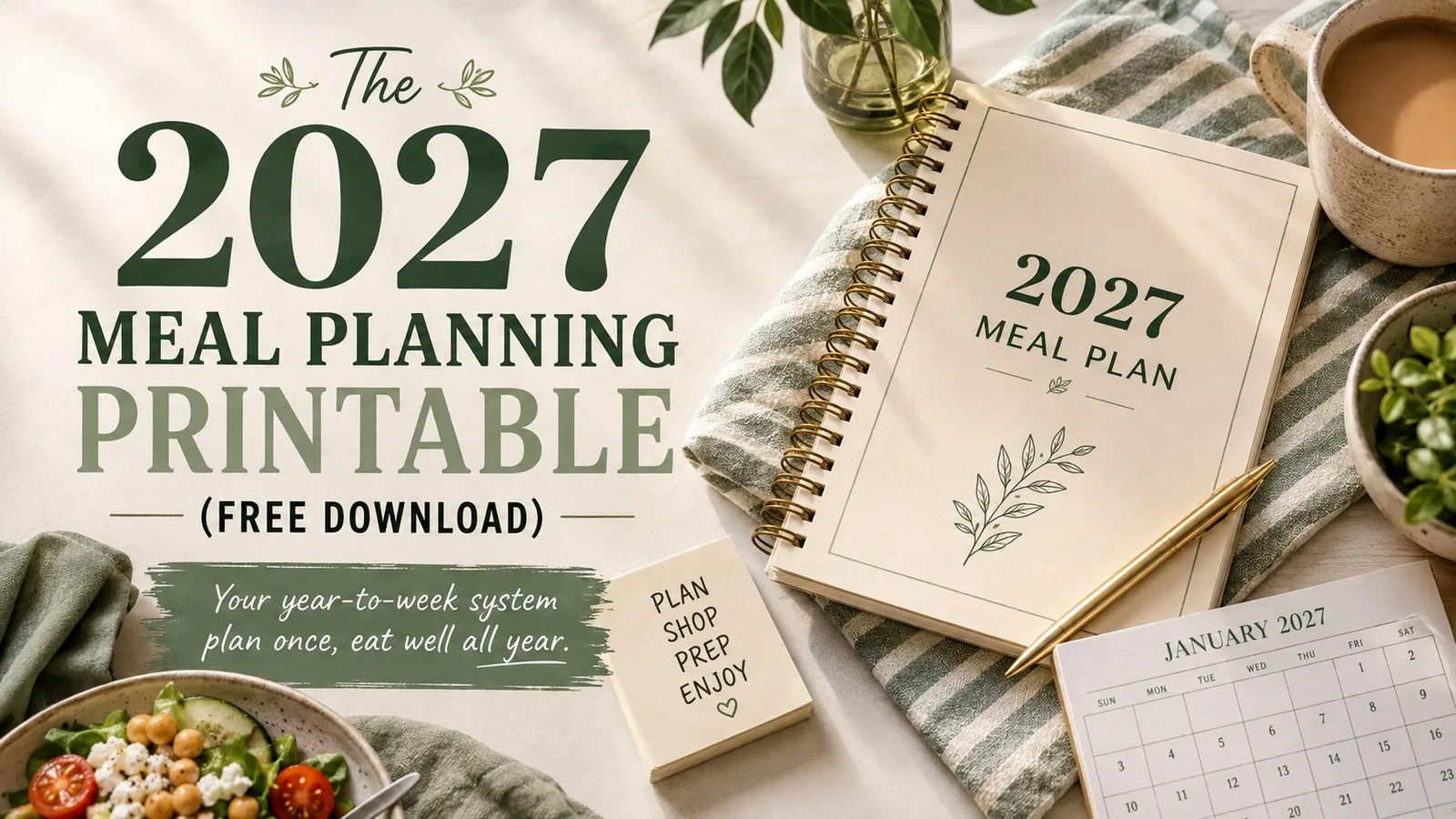
Get the free 2027 planner
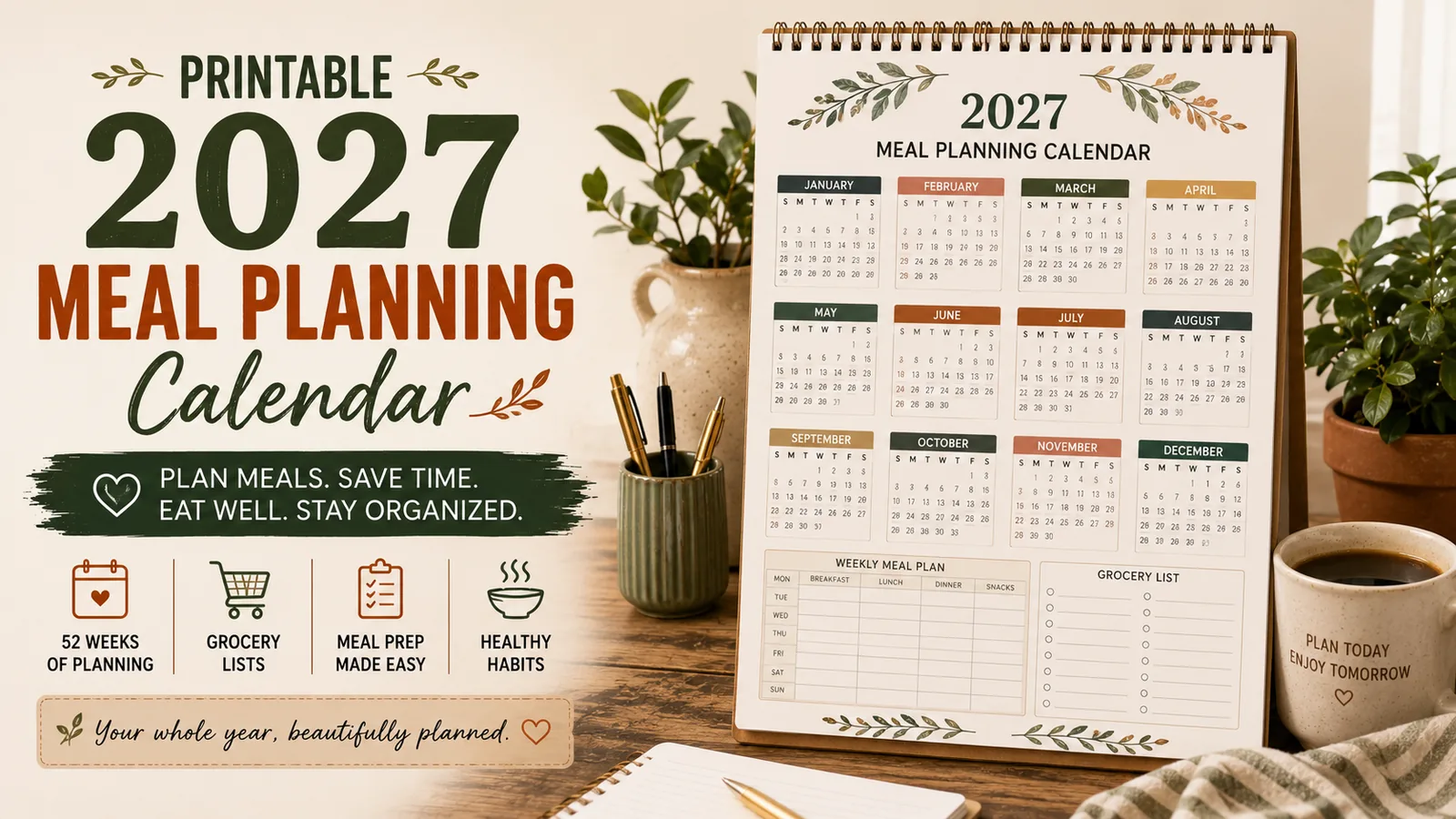
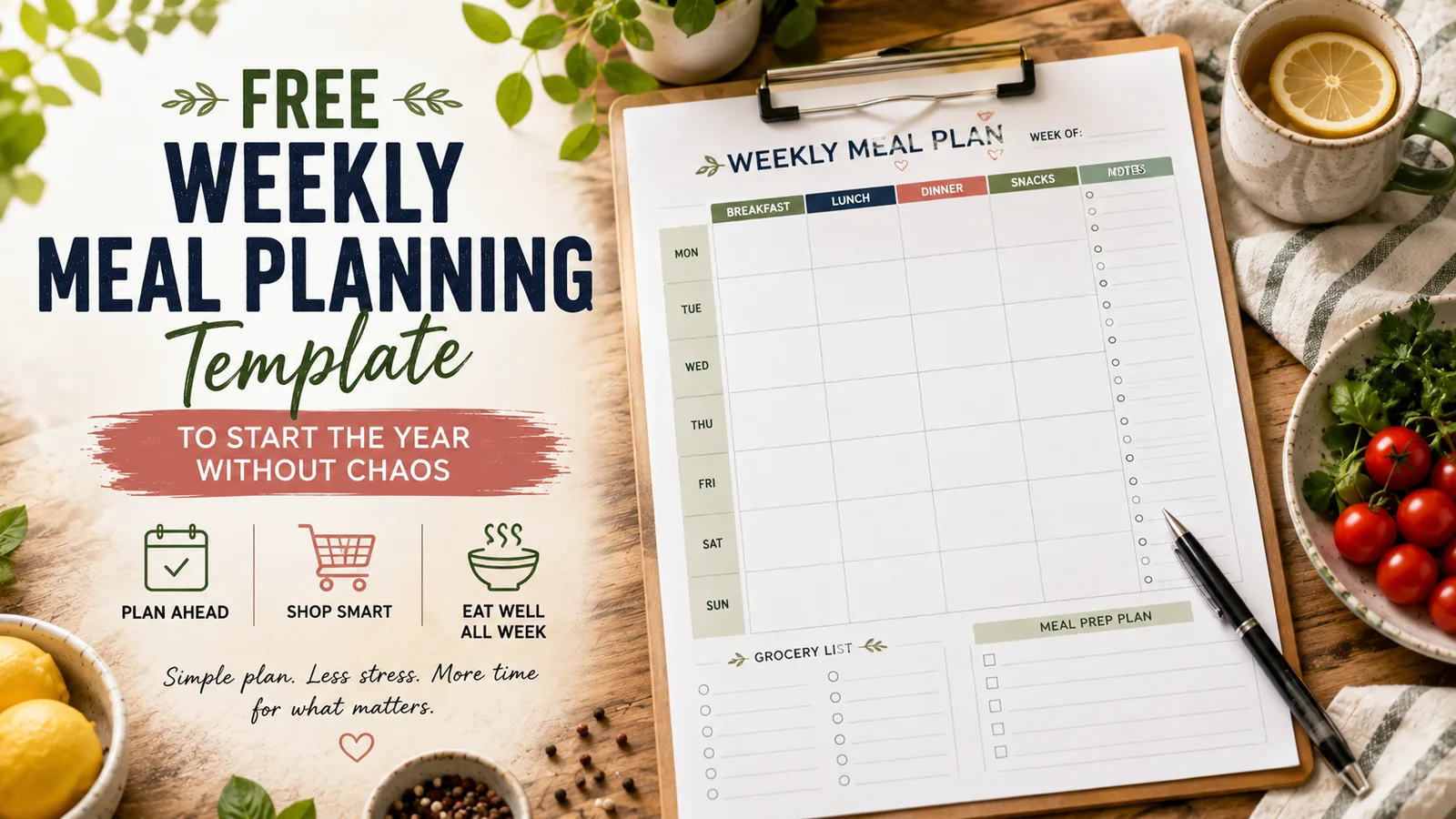
The printable includes an annual overview, a default-dinner builder, one planning page for every month, and a reusable weekly meal + grocery sheet.
Open the 2027 Meal Planning Printable →
Use the Print / Save as PDF button to print it or save your own PDF copy.
The useful way to plan meals for a year is to make a small number of decisions ahead of time — the decisions that keep repeating — and leave the details flexible. You are not writing 365 dinners in advance. You are building a system that makes next Tuesday easier.
What the 2027 planner is designed to solve
Most meal-planning systems fail for one of two reasons. They are so detailed that maintaining the planner becomes another household job, or they are so vague that you still stand in the kitchen at 5:30 wondering what to make.
This one sits between those extremes.
Use it to answer four practical questions:
- What kinds of meals work in this season?
- Which dinners are already proven in our house?
- What does this particular week realistically have room for?
- What do I need to buy to make those meals happen?
If the planner answers those four questions, it is doing its job.
Start with your family’s 12–15 “default dinners”
Before filling a calendar, make a short list of dinners you can cook without researching a recipe, buying six unusual ingredients, or negotiating with everyone at the table.
These are not necessarily your most exciting meals. They are the ones that reliably save a weekday.
A useful default list might look like this:
| Type | Default dinner | Why it earns a place |
|---|---|---|
| Pasta | Spaghetti + meat sauce + salad | Pantry-friendly and fast |
| Tacos | Chicken or bean tacos | Easy to adapt to leftovers |
| Sheet pan | Sausage + potatoes + vegetables | One pan, little cleanup |
| Breakfast | Eggs + toast + fruit | Emergency dinner in 15 minutes |
| Soup | Tomato soup + grilled cheese | Cheap cold-weather fallback |
| Bowls | Rice + protein + vegetables + sauce | Uses small leftovers well |
| Freezer | Chili or casserole | No cooking on the hardest night |
Your default-dinner test
A meal belongs on the list if you can say yes to at least three of these:
- We actually eat it.
- I can make it on a tired day.
- Most ingredients are staples or easy to find.
- It tolerates substitutions.
- Leftovers are useful.
- It fits our normal food budget.
Do this once and you have already removed dozens of future dinner decisions.
Plan the year in 20 minutes — not 20 hours
Take the yearly overview and give each month only three anchors. Do not assign individual meals yet.
1. A seasonal reality
Write down what changes how you cook that month.
January might mean warm dinners and budget recovery. June might mean no-oven meals. September might mean school-night speed. December might mean deliberately easy dinners around holiday events.
2. One meal-planning priority
Pick the thing you want the system to do for you that month: spend less, empty the freezer, cook twice and eat four times, reduce takeout, pack lunches, or simply survive a particularly busy stretch.
3. One backup strategy
Decide what happens when the plan fails.
That could be frozen pizza, breakfast for dinner, soup and sandwiches, a freezer meal, or one designated takeout night. A backup is not evidence that the meal plan failed. The backup is part of the meal plan.
Decisions needed for a useful yearly overview36
Three decisions × 12 months. That is enough structure to make the year easier without pretending you know exactly what life will look like in November.
Use a weekly formula instead of inventing seven dinners
The fastest way to make the weekly page useful is to stop treating every square as a blank creative-writing exercise.
Choose 4–6 recurring slots that fit your household. For example:
| Day | Role | What you actually decide |
|---|---|---|
| Monday | Easy familiar meal | Which default dinner? |
| Tuesday | Tacos / bowls | Which protein and toppings? |
| Wednesday | Leftovers / freezer | What needs using first? |
| Thursday | Pasta / rice | Which sauce or combination? |
| Friday | Flexible / takeout | Cook, leftovers, or order? |
| Saturday | Try something | Which new recipe sounds worth it? |
| Sunday | Batch-cook meal | What can help Monday too? |
Notice what happened: instead of answering “What should we eat?” seven times, you answer much smaller questions.
That is the core Smart Meal Systems idea: the best planner does not store more decisions. It eliminates decisions you never needed to make from scratch.
The 5-minute weekly planning routine
Once your defaults and weekly formula exist, planning should become very short.
- Look at the calendar first. Mark late meetings, activities, appointments, guests and nights nobody will be home.
- Shop your kitchen. Find the produce that needs using, open packages, leftovers and freezer food.
- Fill the hardest nights first. Give your busiest night the easiest meal — not the most ambitious one.
- Choose 3–5 actual dinners. You may not need seven. Leftovers, plans out and flexible nights count.
- Build the grocery list from the plan. Never make these as two separate activities.
If you find yourself spending 30 minutes choosing recipes every Sunday, the system is asking you to make too many fresh decisions. Return to your defaults.
The “hardest night gets the easiest meal” rule
This deserves its own section because it fixes one of the most common planning mistakes.
People tend to distribute meals according to food logic: chicken Monday, pasta Tuesday, fish Wednesday. Instead, distribute them according to life difficulty.
Suppose Wednesday has two after-school activities and you get home at 6:45. Wednesday is not the night for the recipe that requires chopping six vegetables. Put the freezer chili there. Move the new recipe to Sunday afternoon.
Your calendar is an ingredient in the meal plan.
Build in deliberate blank space
A planner filled edge-to-edge looks organized and often wastes food.
Leave at least one flexible dinner each week. It can absorb:
- leftovers that accumulated faster than expected;
- an invitation or unexpected late night;
- produce that needs using;
- a meal you skipped earlier in the week;
- the completely legitimate decision that nobody wants to cook.
This is particularly useful for reducing grocery waste because unplanned food has somewhere to go.
Create a monthly “use first” list
At the beginning of each month, spend five minutes checking the freezer and pantry. Write down five things you want to use before buying replacements.
For example:
- 2 portions frozen chili
- half a bag of shrimp
- tortillas
- opened box of couscous
- frozen broccoli
Now put those ingredients into the first one or two weeks of the month. This tiny habit keeps the freezer from becoming long-term food storage for things you eventually throw away.
Don’t meal-prep everything — prep the bottleneck
A planner should help you notice what actually slows dinner down.
If chopping is the problem, wash and chop vegetables. If protein takes longest, cook chicken or brown ground meat. If you keep abandoning lunch plans, portion lunches rather than Sunday dinners. If mornings are chaos, prep breakfast.
Ask:
What one preparation would make three meals easier this week?
That question is usually more useful than spending Sunday afternoon filling 14 identical containers.
How to reuse a good week
When a week works unusually well, save it.
Mark it with a star or copy it to your repeatable-weeks page. Note the season and any useful detail: “cheap week,” “soccer week,” “hot weather,” “everyone ate it,” “minimal cooking.”
After a few months you can build a small library:
- Busy school week
- Low-budget week
- Freezer-clear-out week
- Summer no-oven week
- Cold-weather comfort week
- Holiday survival week
Then future planning becomes choosing a proven template and making two or three adjustments.
That is much more valuable than owning 500 saved recipes.
What to do when the plan falls apart on Wednesday
Do not move every missed meal forward one day. That turns one disruption into an entire week of catching up.
Instead, reset using this order:
- Use the most perishable food first.
- Drop any meal whose ingredients will keep.
- Use your planned backup if tonight is already too difficult.
- Re-plan only the remaining days.
The purpose of a meal plan is to support the week you actually have, not force you to obey the week you imagined on Sunday.
Your 2027 system in one page
If you remember nothing else, use this sequence:
YEAR → MONTH → WEEK → SHOP
Year: identify seasonal patterns, priorities and backups.
Month: choose meals you want to repeat and food you need to use.
Week: look at real-life commitments and fill the hardest nights first.
Shop: buy only for the meals that survived those three filters.
Then repeat. You are allowed to reuse good weeks. You are allowed to leave blanks. You are allowed to change Wednesday’s dinner. In fact, a meal-planning system that cannot handle those things is not much of a system.
A simple first week to try
If a whole year still feels like too much, ignore the year for now and run this experiment for seven days:
- Write down five default dinners your household already likes.
- Choose the three busiest evenings on your calendar.
- Put the three easiest meals on those nights.
- Add two other dinners.
- Reserve one leftovers/freezer night.
- Leave one night flexible.
- Make one grocery list from those five planned meals.
Next week, keep what worked and change what did not.
That is how the 2027 planner is meant to be used: not as a perfect record of what you intended to cook, but as a working household system that gets easier every time you reuse it.
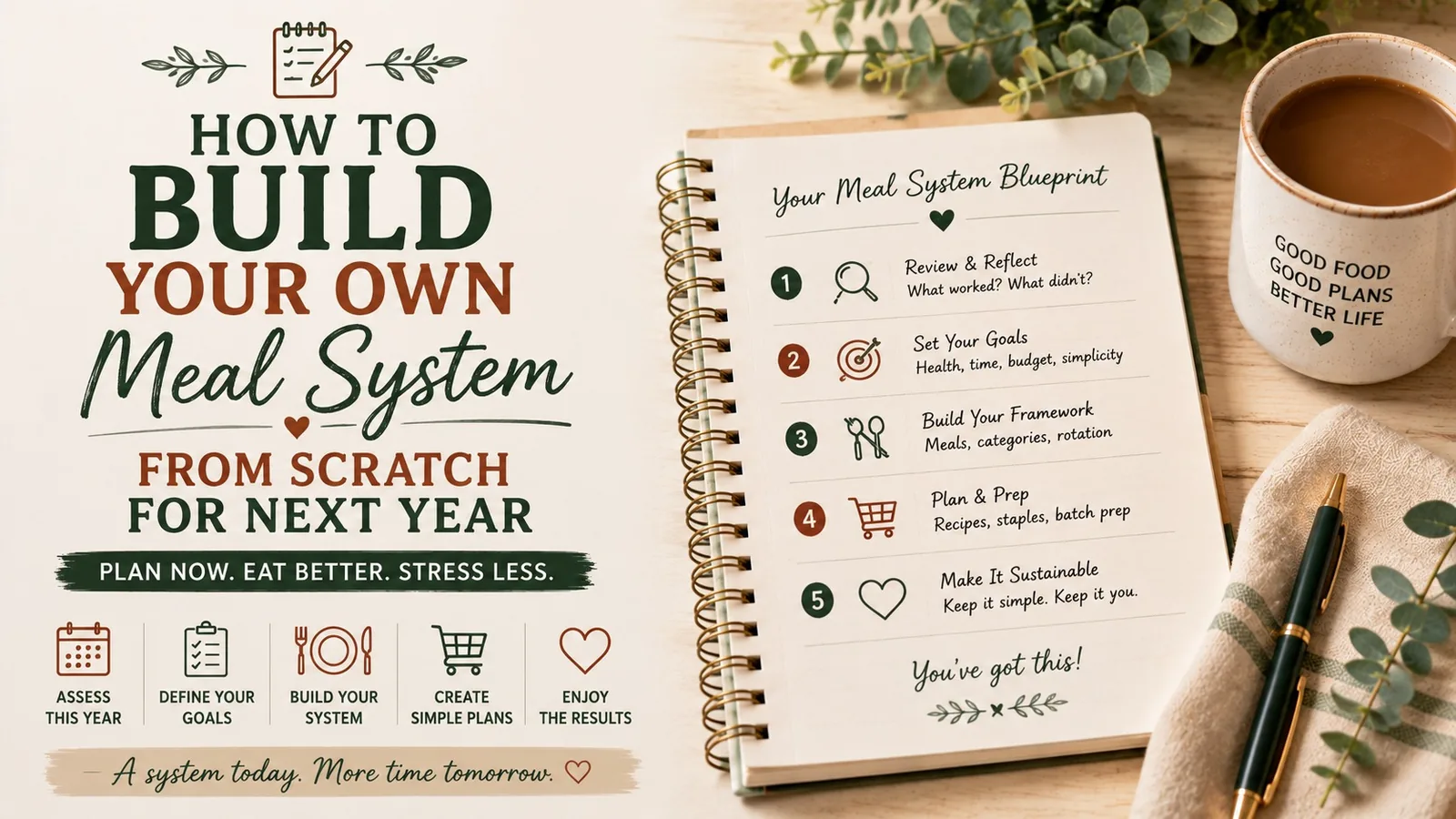
If you want to turn the planner into your own repeatable operating system rather than just fill in pages, continue with How to Build Your Own Meal System From Scratch for Next Year.
Turn the idea into a system.
Keep Reading