Printable planner + app
The Complete Party Planner
Set your guest count once, and get the menu amounts, the budget, the countdown and the shopping list from it, instead of filling in the same numbers five times.
Take a look inside
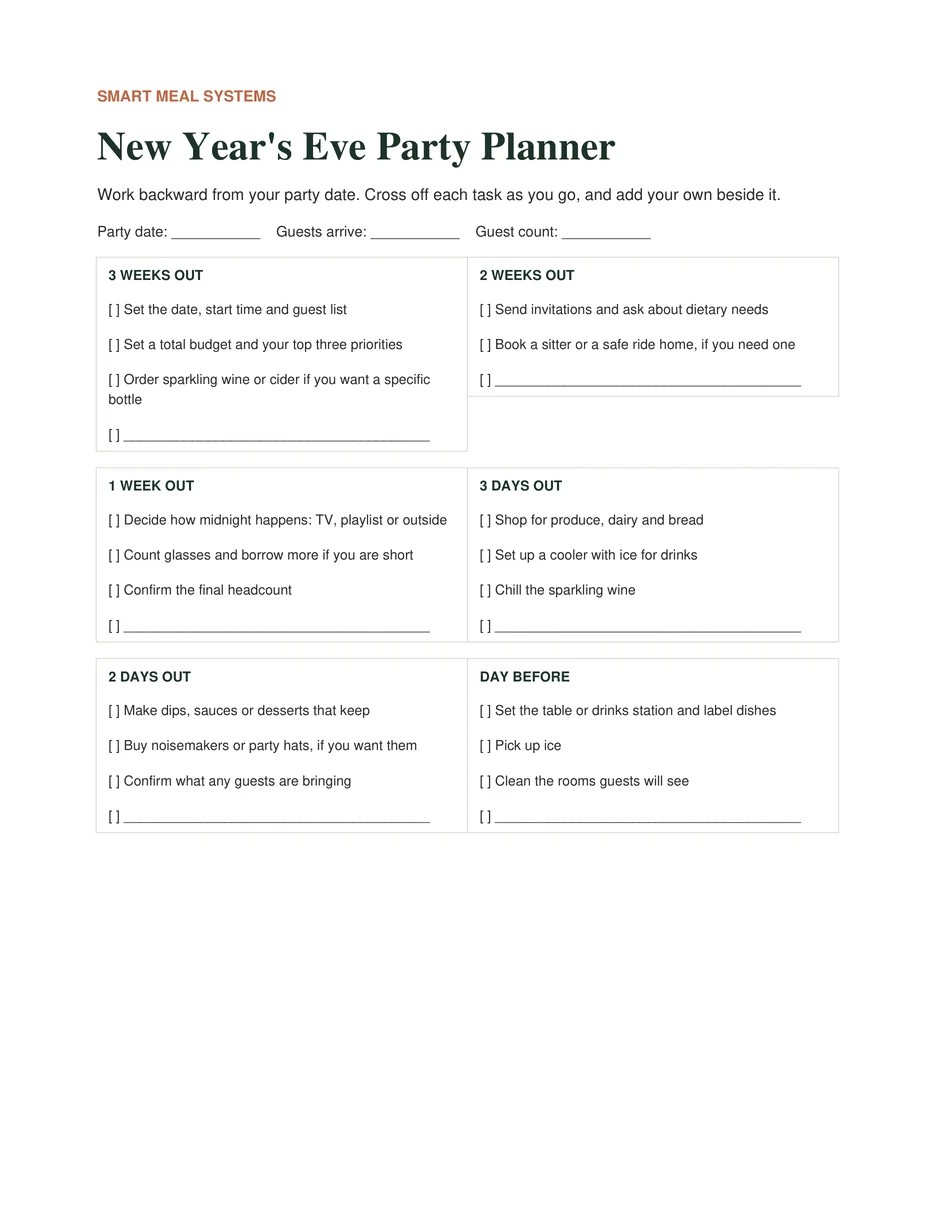
A few pages from the printable planner
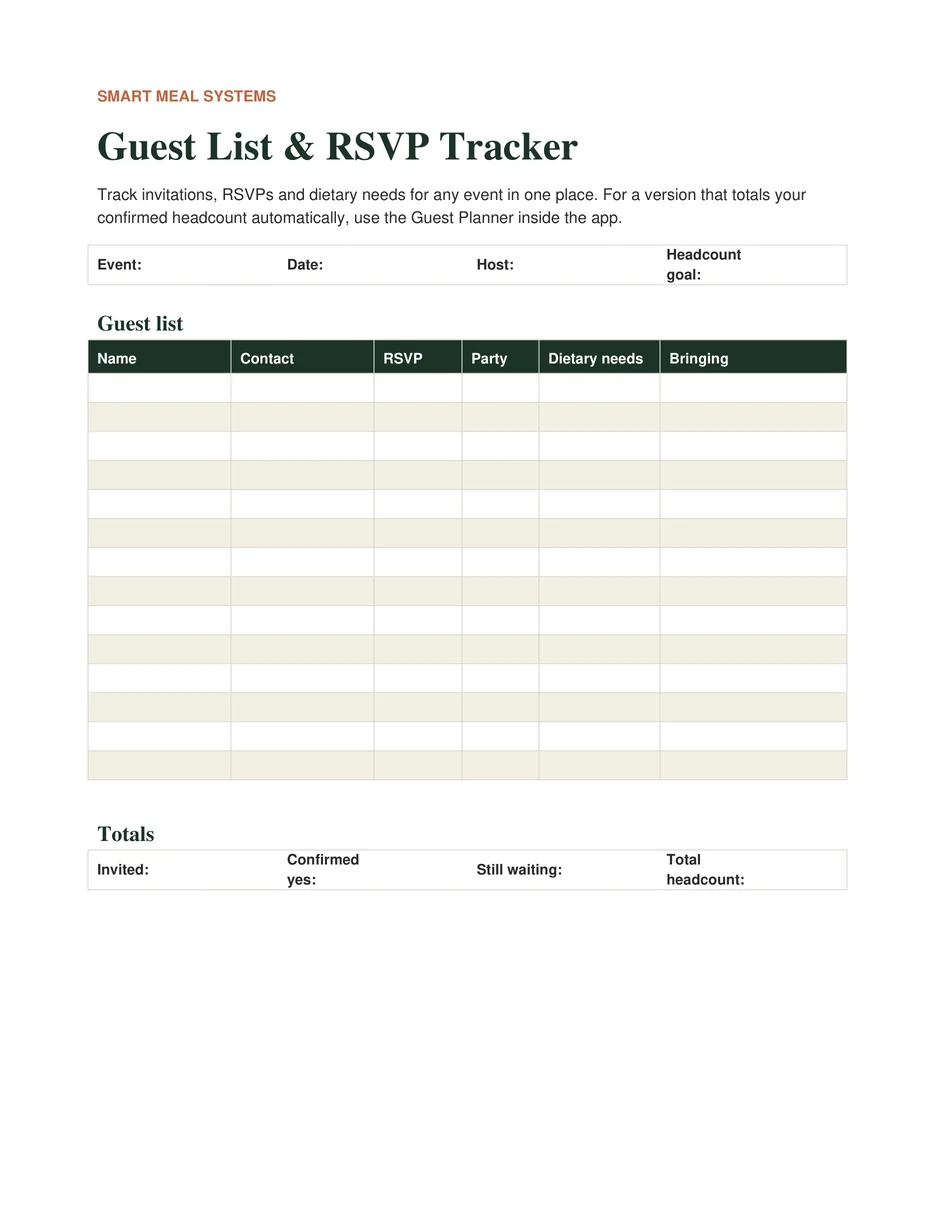
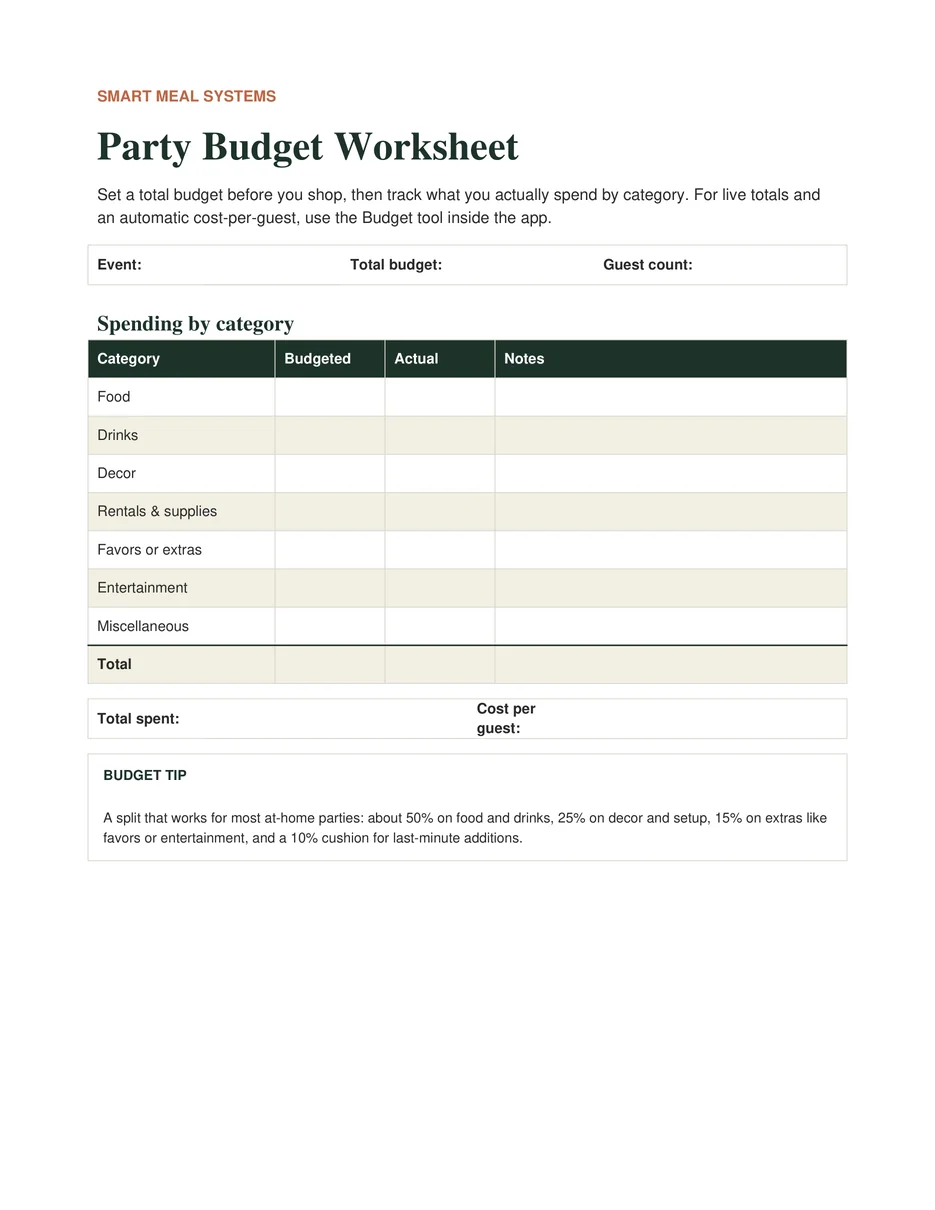
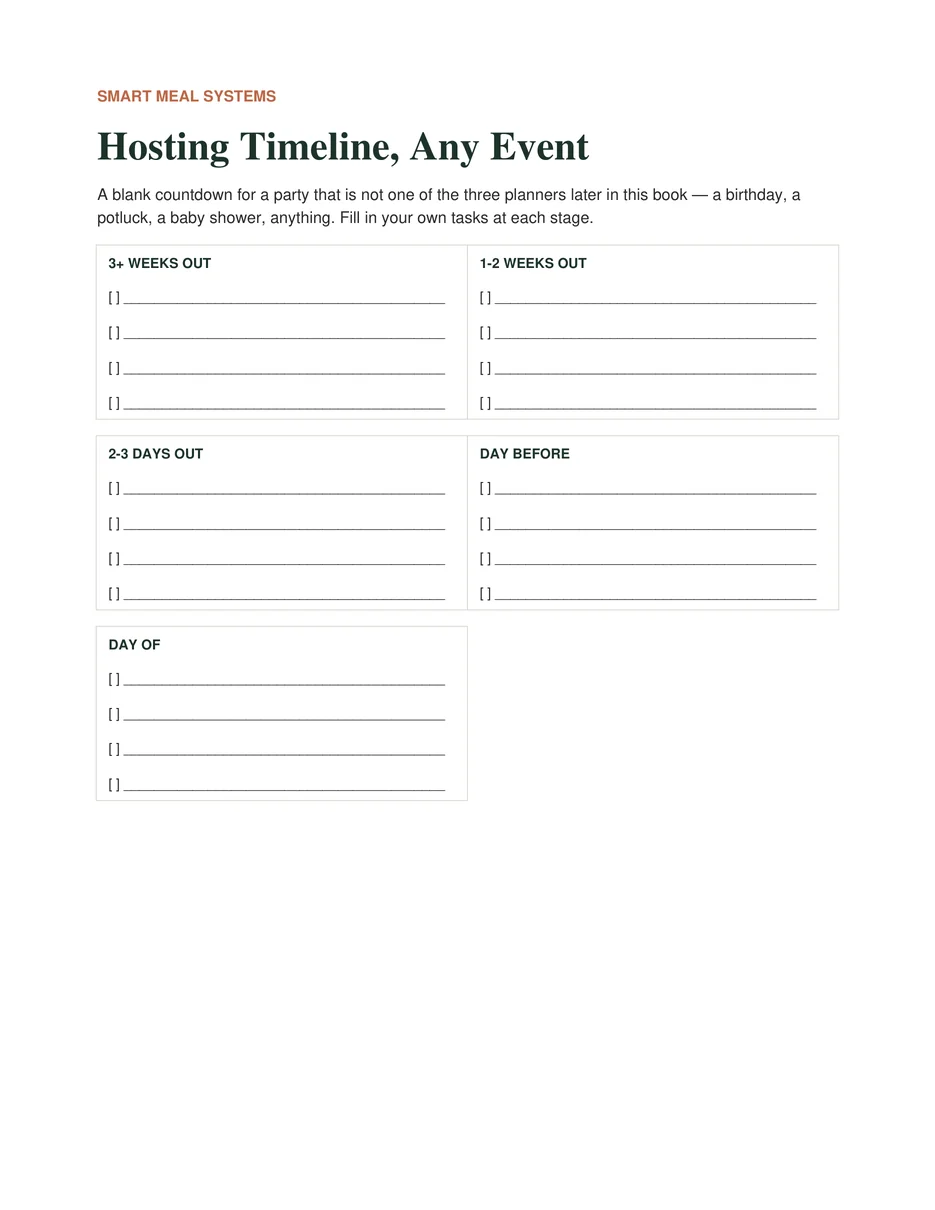
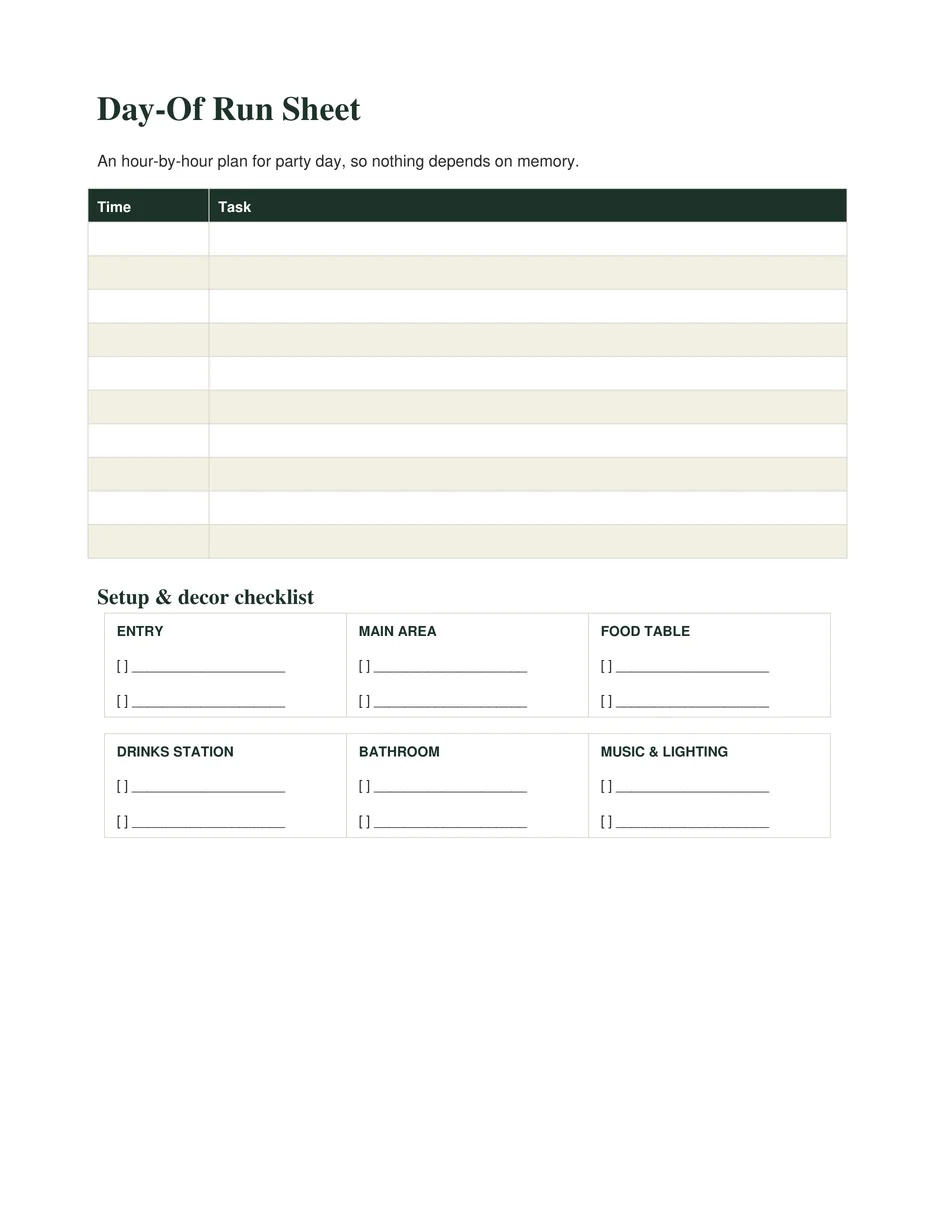
The planner has 12 pages: a guest list, a budget worksheet, a hosting timeline and a day-of run sheet, plus three seasonal planners as a bonus. Tap any page to see it larger.
And the app, with an example party
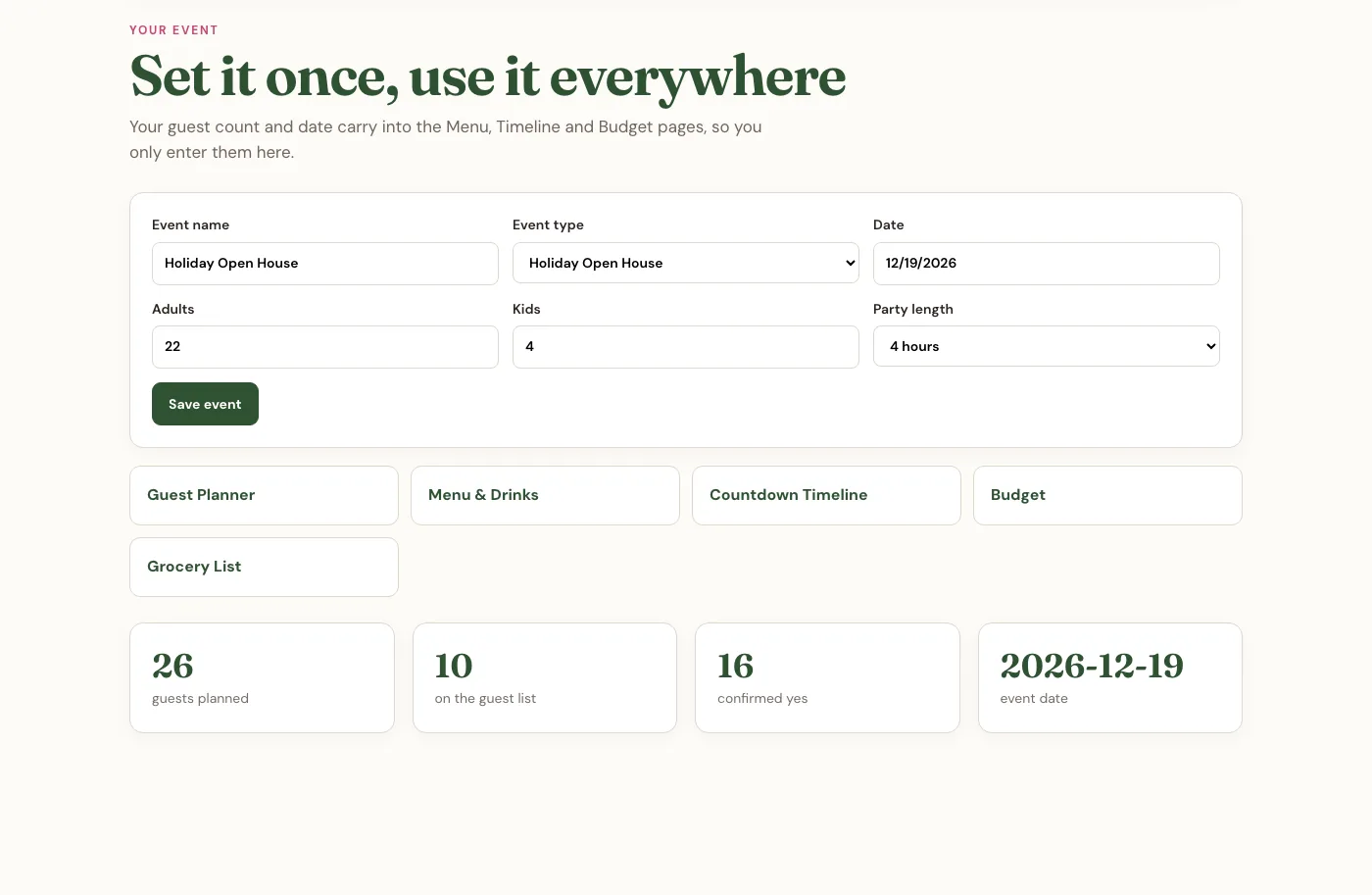
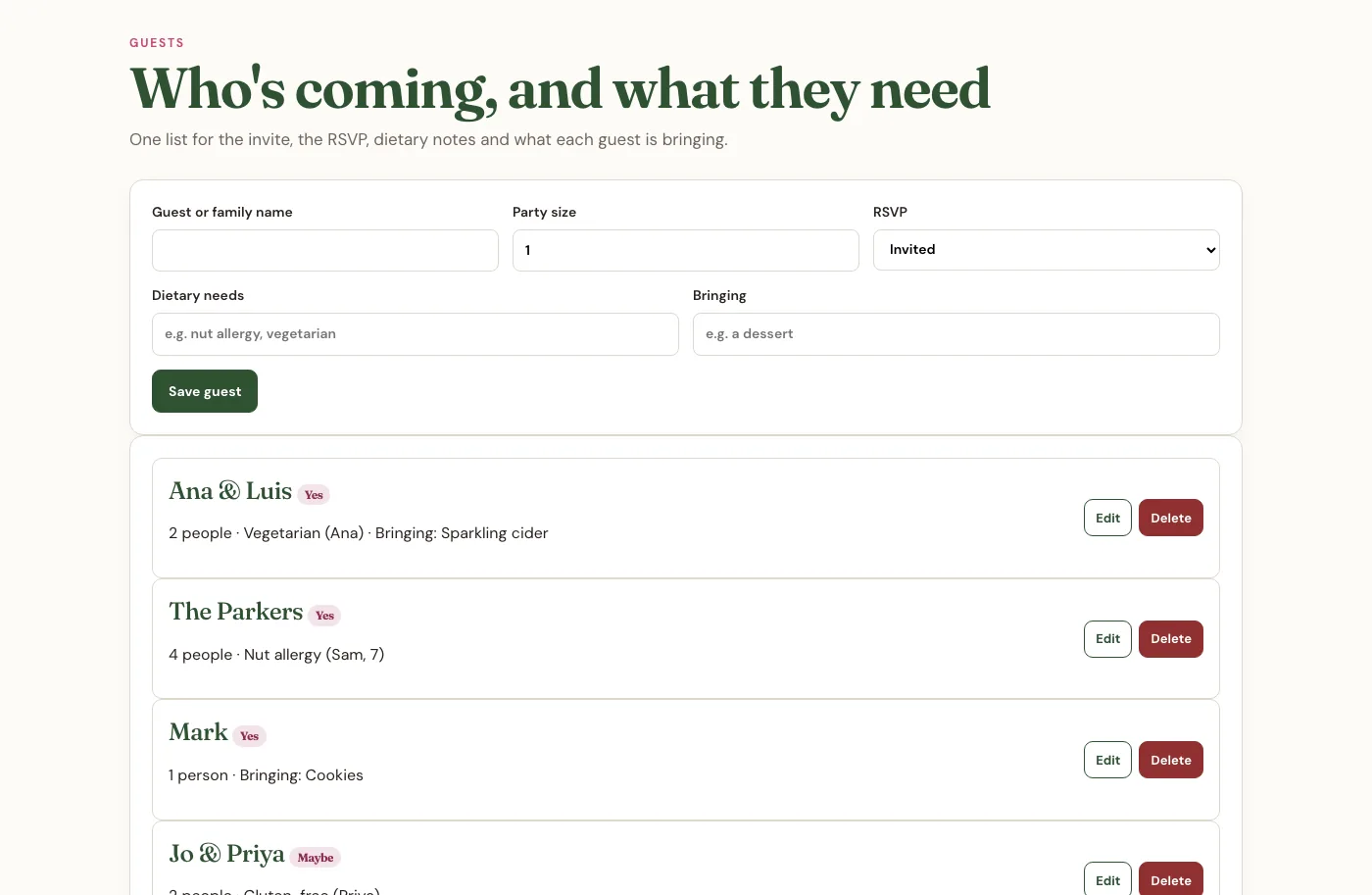
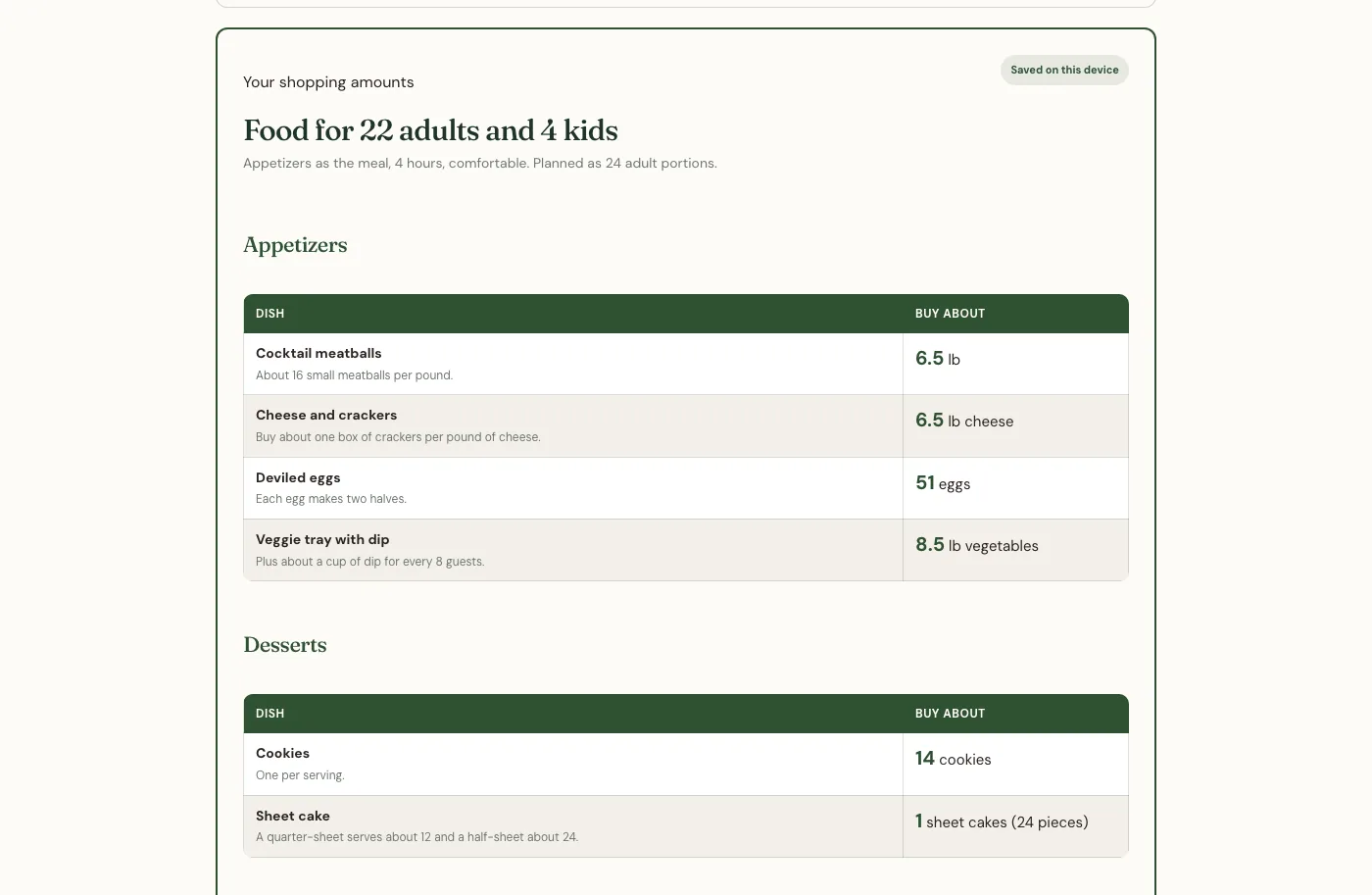
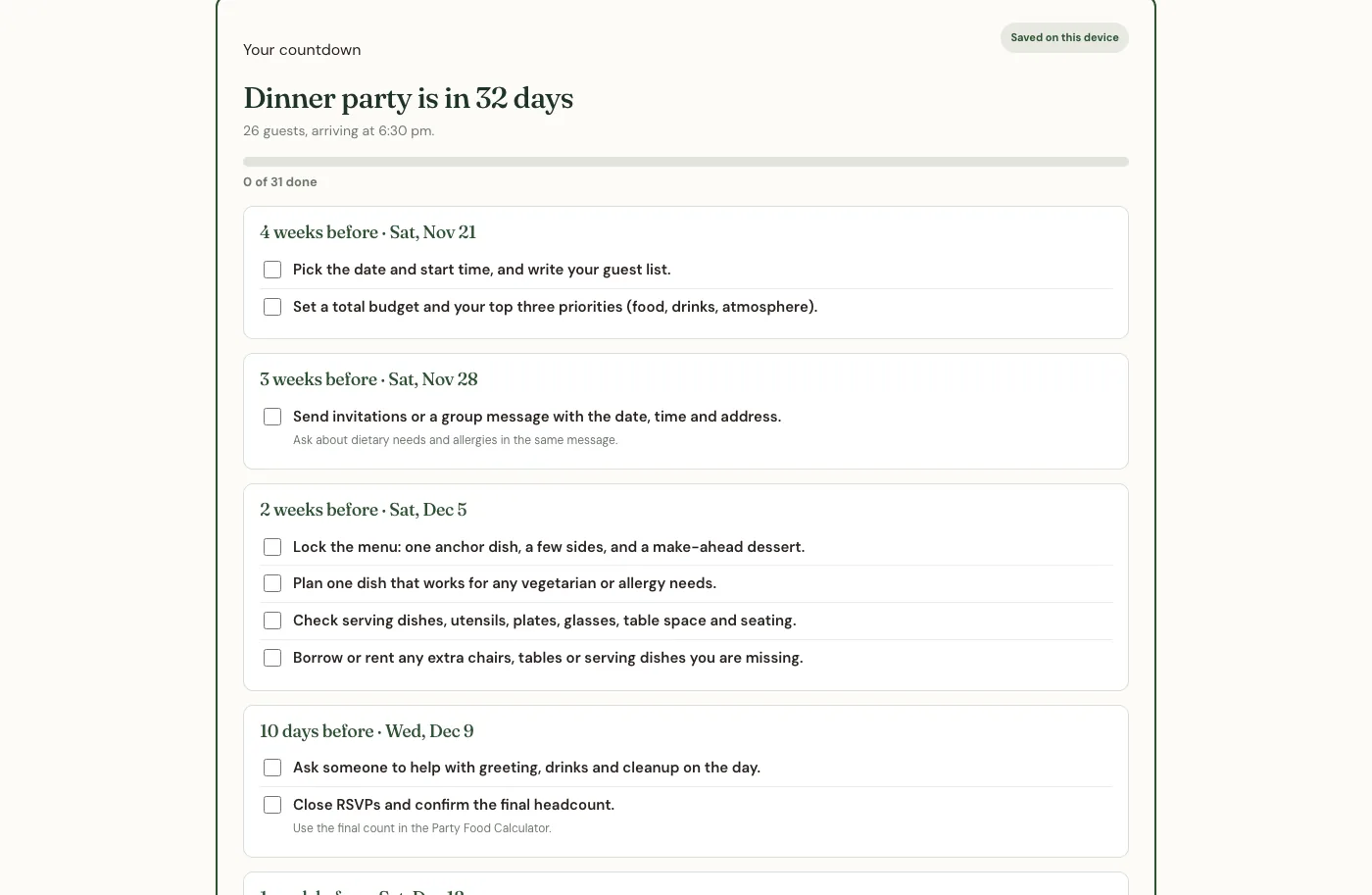
Screens from the browser app, shown with example data for a holiday open house. Your own data stays in your browser. Tap any screen to see it larger.
The method
Six steps, connected
- 1Event
Set your date, guest count and party length once.
- 2Guests
Track RSVPs, dietary needs and who is bringing what.
- 3Menu
Get exact food and drink amounts for your guest count.
- 4Budget
Split a total budget into spending targets, by category.
- 5Timeline
A dated countdown checklist from weeks out to the day of.
- 6Shop
One grocery list, sorted by store section.
Set it once on the dashboard. The Menu, Timeline and Budget pages pick it up from there.
Printable planner
Print it, or keep it on your phone
- A printable planner combining the Cookie Exchange Planner, Holiday Open House Planner and New Year's Eve Party Kit
- Guest sign-up sheets and packaging labels
- The One-In-One-Home cookie exchange rule and the 4-Hour Standing Spread open house system
- The Three Waves New Year's Eve menu, drinks and toast math
- Dated countdowns for New Year's Eve, open houses and dinner parties
Browser app
The same method, connected
- One event setup: name, type, date, guests and party length
- Guest Planner with RSVP, dietary needs and what each guest is bringing
- Menu & Drinks sized to your guest count and party length
- Budget split by category, with spending tracked as you shop
- A dated countdown timeline, checkable and printable
- One grocery list, sorted by store section
Your data stays in your browser. Nothing is sent to an account.
Questions
Before you buy
What exactly do I get?
A printable PDF planner and access to the Complete Party Planner app in your browser. Use either one, or both together.
Do I need an account?
No. After you pay you land on an access page. Bookmark it: that link restores your access on any device.
Where is my planner data stored?
In your own browser, on your device. We do not receive it.
Is this a recipe collection?
No. It is a system for setting your event once, then getting amounts, a budget, a countdown and a shopping list from it.
How is this different from the free tools?
The free tools each solve one step. This connects them: set your guest count once on the dashboard, and it carries into the Menu, Timeline and Budget pages, plus a Guest Planner the free tools do not have.
Can I get a refund?
Yes, see the refund policy linked below.