The hardest part of dinner is rarely the cooking. It is the decision, made at 5:30 p.m., when you are already tired and hungry.
This guide shows how to remove that decision. The idea is simple: make the choice once, ahead of time, and let the system carry you through the week.
Why the decision is so draining
Every dinner decision has several parts: what everyone will eat, what you have, how much time you have, and how much energy is left. Making all of those calls every single evening adds up. When your energy is low, the easiest option wins, which is often takeout or whatever is quickest, whether or not it suits your budget.
A system does the deciding in advance, when your head is clear.
Layer 1: Default dinners
A default dinner is a meal you can make without a recipe, with ingredients you can keep on hand, that your household reliably eats.
Aim for 8 to 12. Write them down once. When you do not know what to make, you choose from the list instead of starting from zero.
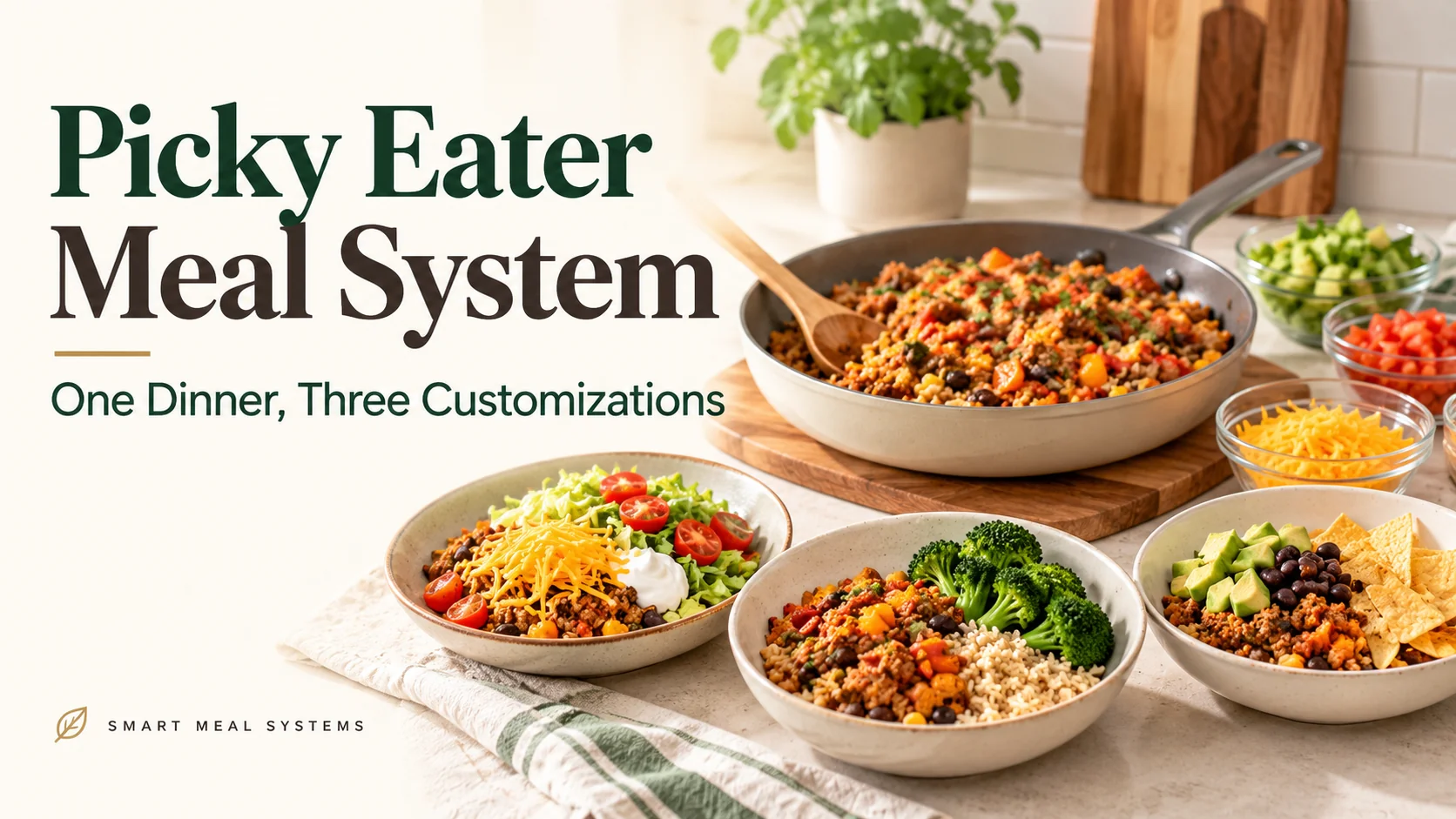
10 Default Dinners You Can Repeat Forever is a ready-made starting point, and The 6-2-2 Default Dinner System shows how to split defaults across the week.
Layer 2: Theme nights
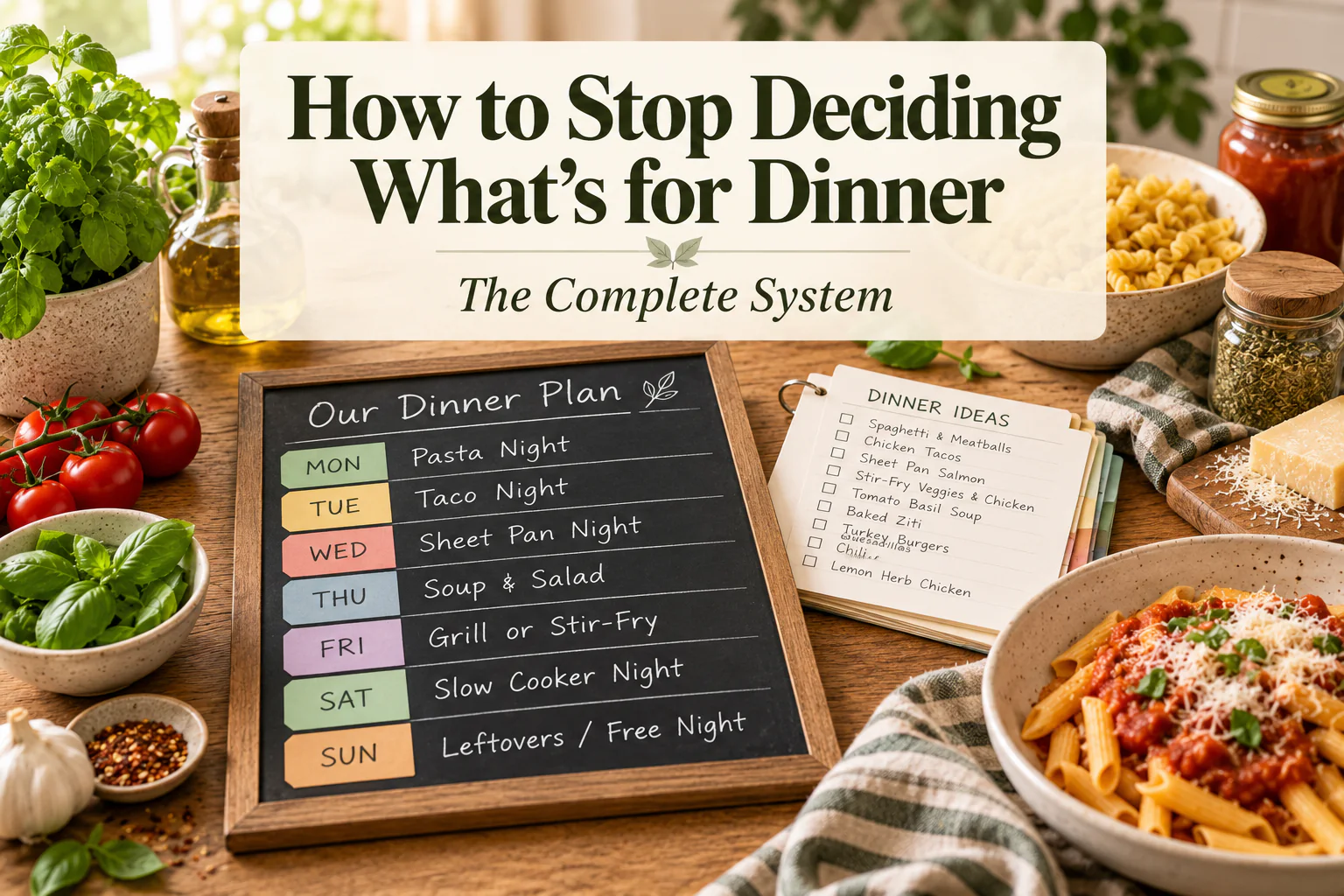
Assign a category, not a recipe, to each weekday.
| Day | Theme |
|---|---|
| Monday | Pasta or noodles |
| Tuesday | Tacos or bowls |
| Wednesday | Sheet pan |
| Thursday | Slow cooker or leftovers |
| Friday | Pizza or breakfast for dinner |
Within each theme you still have freedom (chicken or beans, red sauce or pesto), but the big question of what kind of dinner it is has been answered.
Layer 3: A repeating rotation
If themes feel loose, turn them into a rotation: a fixed two-week set of dinners that repeats. After a few cycles you will barely think about it. The full method is in The 2-Week Rotating Dinner Menu, and the free Dinner Rotation Builder generates one for you around your busy nights.
Layer 4: A repeating grocery list
When dinners repeat, the grocery list does too. Keep a master list and edit it each week instead of writing a new one. You will notice your shopping gets faster and your spending steadier.
Layer 5: The fallback plan
Even with all of this, some nights will fall apart. Decide your fallback now, so you are not improvising when tired.
Keep a small “emergency” set of meals that need almost nothing:
- pasta and jarred sauce
- eggs, toast, and fruit
- quesadillas
- frozen dumplings or frozen pizza with a bagged salad
- a freezer meal from your batch cooking
What to Cook When You’re Too Tired to Decide goes deeper on this layer. Having the fallback ready is what makes the rest of the system trustworthy.
How the layers fit together
You do not need every layer on day one.
- Start with defaults. This gives immediate relief.
- Add themes when you want more structure.
- Move to a rotation when you want the planning to be nearly automatic.
- Always keep the fallback.
How to build your default list
Your list should come from your household, not from the internet. Work through it in four steps.
- Look back. Scroll through your phone’s photos, your receipts, or your memory and write down every dinner you have made in the last month.
- Keep the winners. Circle meals that were eaten without complaint, cooked in under 40 minutes, and used ingredients you can easily buy.
- Sort by effort. Mark each as easy (under 20 minutes), medium (20 to 40), or project (longer).
- Fill the gaps. Aim for at least four easy meals, four medium, and a couple of projects. If you have too few easy ones, add some.
Keep the list somewhere you will see it: inside a kitchen cabinet door, on the fridge, or pinned in your phone notes.
What a month looks like with the system
Here is how the layers combine over four weeks.
Week 1: Themes only. Monday pasta, Tuesday tacos, Wednesday sheet pan, Thursday slow cooker, Friday pizza. You choose the specific meal each week from your default list.
Week 2: Same themes, different meals. Pesto instead of tomato pasta; bean tacos instead of chicken. The structure holds.
Week 3: One wildcard dinner replaces a theme, perhaps a new recipe on Saturday. The rest follows the pattern.
Week 4: An unpredictable week. You drop the themes and use only the defaults and fallback list, cooking whichever meal fits each evening.
By the end of the month you have decided four or five things in advance, instead of 28 dinners one evening at a time.
Where decisions sneak back in
Even with a system, certain situations bring decisions back. Plan for them.
| Trigger | What happens | The fix |
|---|---|---|
| No groceries left | You default to takeout | Keep a freezer or pantry meal in reserve |
| Plan lives in your head | You forget it by Wednesday | Write it where you can see it |
| Too many options | You scroll recipes for an hour | Cap new recipes at one per week |
| Different tastes in the household | Every dinner is a negotiation | Use build-your-own meals |
| A change in schedule | The plan collapses | Use the swap rule: easiest meal on the hardest day |
Most system failures come from one of these, not from a lack of willpower.
Making it work for different households
Families with young kids. Keep the defaults simple and predictable. Kids often do better with a familiar pattern, which helps you too.
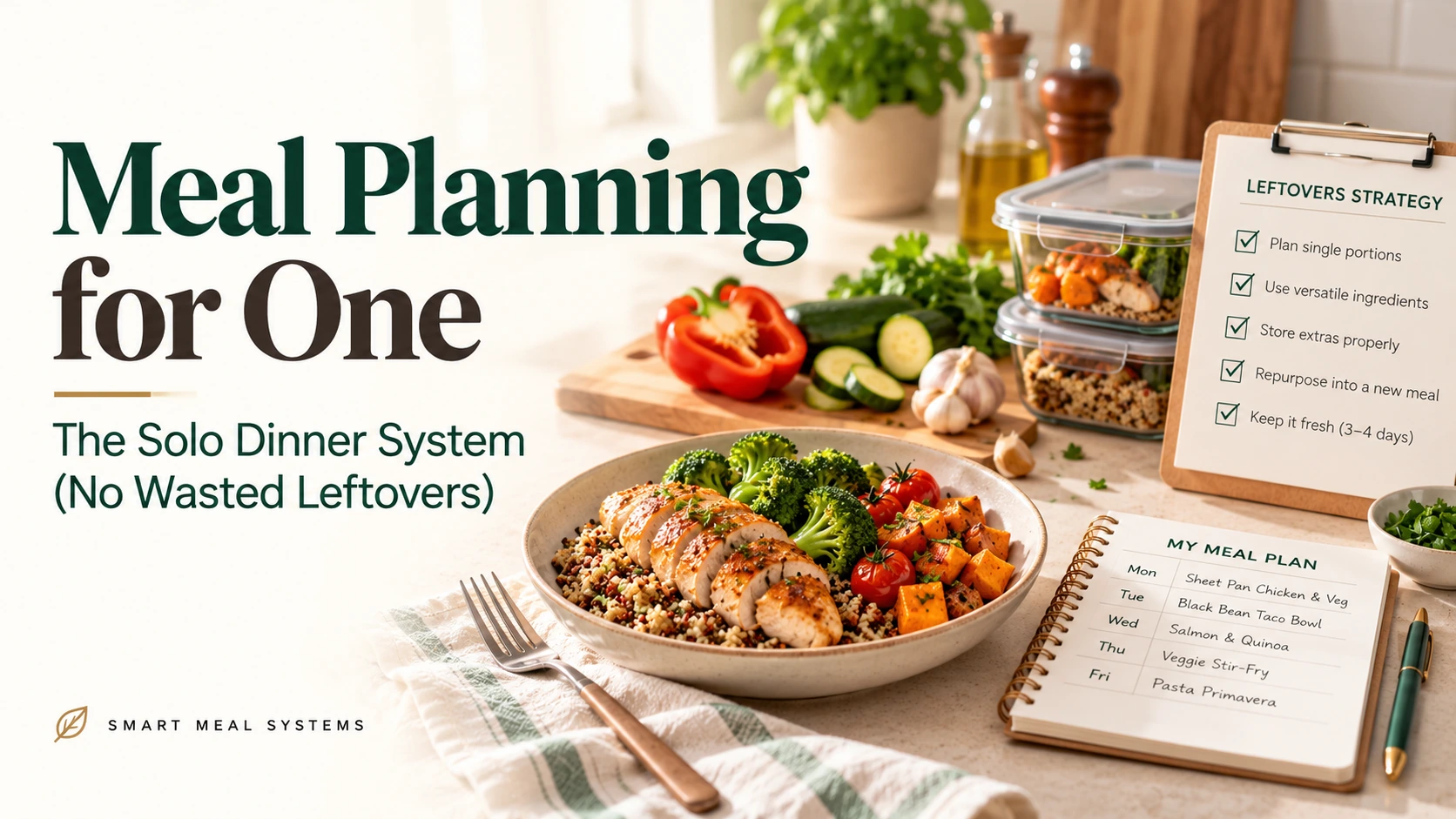
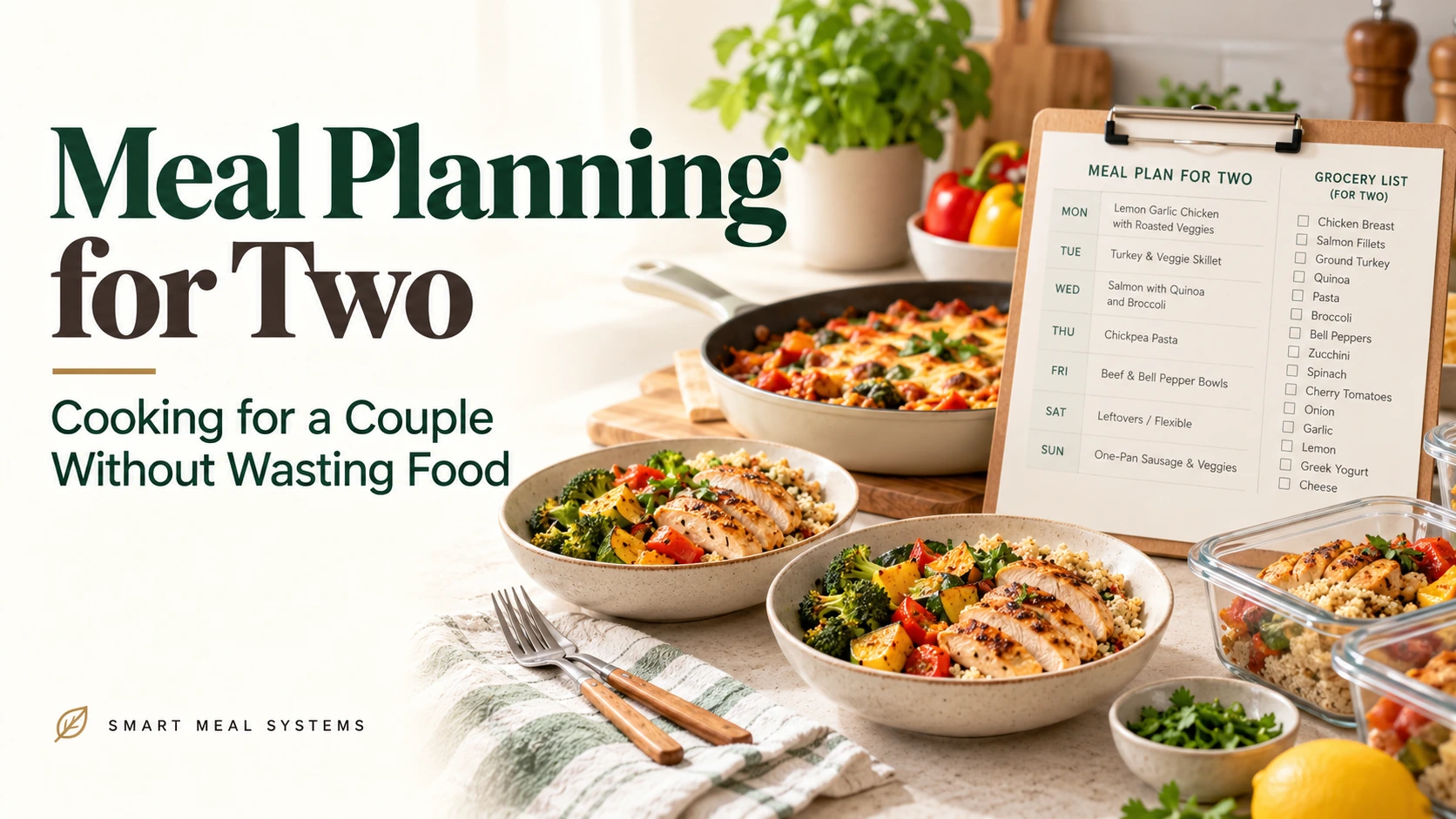
Couples and singles. Cook a full recipe and plan the leftovers as the next dinner. Two cooking nights can cover four dinners.
Households with dietary needs. Build the defaults around the restriction instead of adapting every meal. Everyone eats from the same list, so there is no daily negotiation.
Shift workers or unpredictable schedules. Use the defaults and fallback layers, and keep several freezer meals ready.
Starter lists you can copy
If a blank page is the problem, borrow these and edit them.
Easy defaults (under 20 minutes): pasta with jarred sauce and frozen vegetables, quesadillas, scrambled eggs and toast, grilled cheese with soup, fried rice with leftover rice and frozen vegetables, tuna or chicken salad sandwiches.
Medium defaults (20 to 40 minutes): sheet-pan sausage and vegetables, tacos or burrito bowls, stir-fry with rice, baked potatoes with toppings, homemade pizza on store-bought dough, chicken and rice skillet.
Project defaults (40 minutes or more): roast chicken with vegetables, slow-cooker chili or pulled pork, lasagna, soup from scratch.
Fallback meals (almost no effort): frozen pizza and a bagged salad, scrambled eggs, cereal for dinner, a freezer meal from your last batch session, a sandwich plate.
Pick the ones your household likes and drop the rest. For a longer list, see 10 Default Dinners You Can Repeat Forever.
Common objections
“My family will get bored.” Repeat the structure, not the recipe. Change the sauce, the vegetable, or the topping. Add one wildcard dinner every two weeks.
“I like cooking new things.” Keep one slot a week open for something new. A system that includes novelty is easier to stick with.
“My schedule changes every week.” Use the defaults and fallback layers and skip the fixed themes. See The No-Decision Dinner Method for Exhausted Parents for a flexible version.
Frequently asked questions
How long does it take to feel the difference? Usually within the first week. The defaults layer alone gives noticeable relief the first night you use it.
Will we really eat the same things every week? Not exactly. You repeat the structure and a core set of meals, and you vary the ingredients, sauces, and sides.
What if I run out of defaults? Add one new meal to the list each month. Over a year you will have a strong list built from meals that already worked.
Does this work if I do not like to cook? Yes. The system favors easy, repeatable meals and puts the hardest meals on the days you have the most energy. See How to Meal Plan for the Week for the planning basics.
Where do batch cooking and freezer meals fit? They are the safety net for your fallback layer. Our complete batch cooking guide shows how to build one.
A five-minute setup
- Write down 8 to 10 dinners your household already eats.
- Put each one in a theme for a day of the week.
- Pick three fallback meals and keep their ingredients stocked.
- Make a master grocery list from the ingredients.
You have just made most of next month’s dinner decisions in five minutes.
Make this easier
Let the free Dinner Rotation Builder turn your defaults into a 7- or 14-day plan, with swaps for the busy nights.
The point
You are not trying to eat the same thing forever or to be perfectly organized. You are trying to save your energy for the parts of the day that matter more than choosing dinner. Decide once, and let the system do the rest.
Turn the idea into a system.
Keep Reading