New Year’s food resolutions usually sound ambitious: cook more, spend less, eat better, stop ordering takeout. The problem is that none of those goals tells you what to do at 5:18 p.m. on a Wednesday when everyone is hungry.
A meal system does.
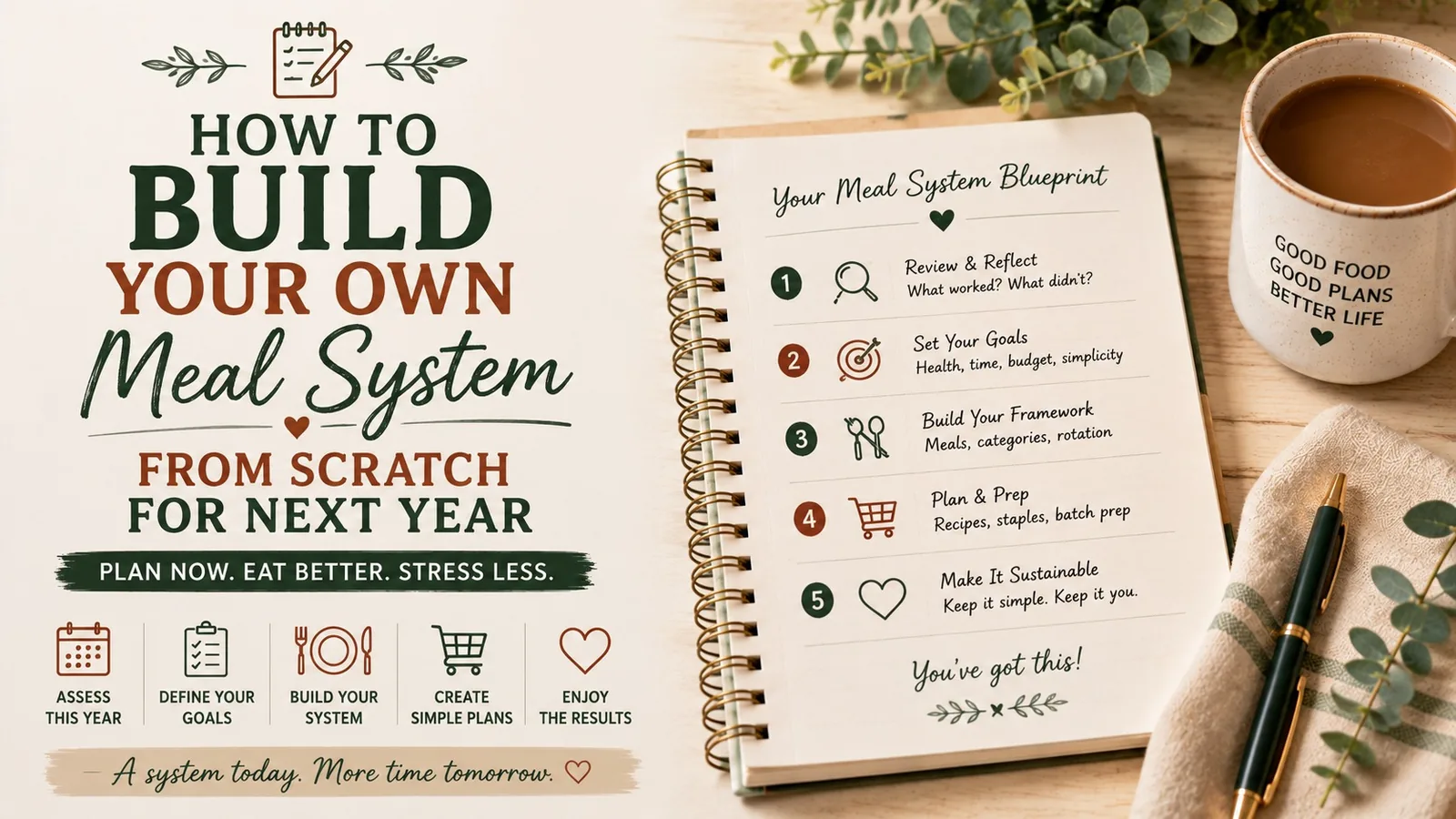
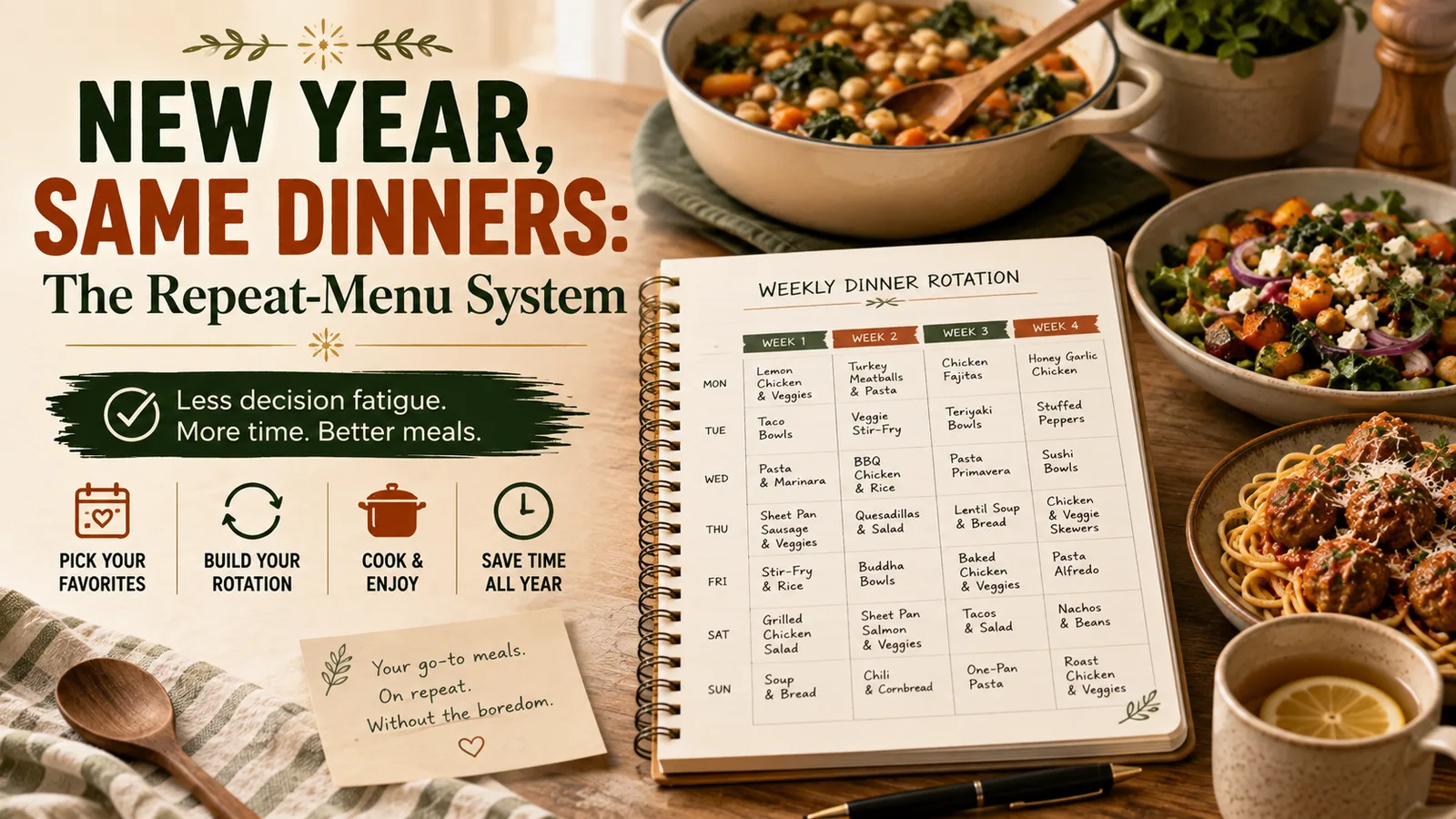
Instead of trying to become a different person in January, build a week that asks you to make fewer decisions. The goal is not a perfect menu. It is a repeatable operating system for dinner.
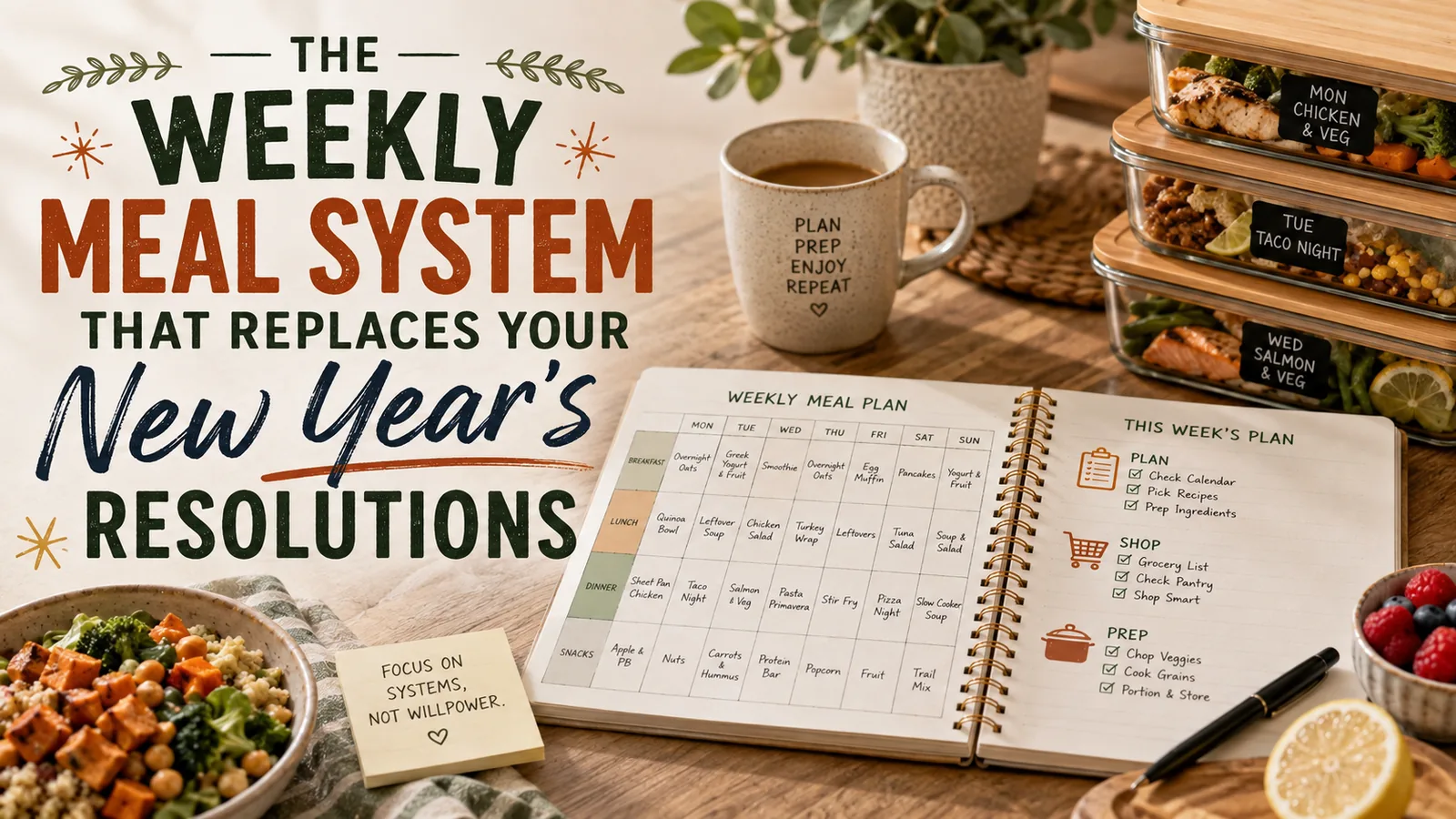
The 5-part weekly meal system
Every week needs five things:
- Three default dinners you can make without research.
- Two anchor meals tied to predictable days.
- One flex meal for leftovers, schedule changes, or cravings.
- One rescue meal that can be on the table in 15 minutes.
- One grocery rhythm so shopping happens before the fridge is empty.
That is the whole system. You can change the recipes without changing the structure.
1. Choose three default dinners
Default dinners are meals your household already accepts and you already know how to make.
Good defaults are not impressive. They are dependable.
Examples:
| Default | Why it works | Typical time |
|---|---|---|
| Tacos or taco bowls | Flexible protein + toppings | 20 min |
| Pasta + vegetables + protein | Pantry-friendly | 25 min |
| Sheet-pan chicken + vegetables | Low attention | 35 min |
Your defaults should pass three tests:
- you know the ingredients without opening a recipe;
- most of the household will eat them;
- the ingredients are easy to keep stocked.
The Default Dinner Test
If a meal requires a special grocery trip, a new recipe tab, or more than one piece of equipment you hate washing, it is not a default.
A default should make a tired day easier.
2. Add two anchor meals
Anchor meals are attached to recurring parts of your schedule.
Instead of asking, “What should we eat Tuesday?” you decide once that Tuesday has a type.
Examples:
- Monday: slow cooker or leftovers from weekend prep
- Tuesday: tacos
- Wednesday: pasta
- Thursday: sheet pan
- Friday: pizza, freezer meal, or takeout
You do not need seven theme nights. Two anchors are enough to remove a surprising amount of weekly friction.
A realistic anchor example
Imagine this schedule:
- Monday: late commute
- Tuesday: normal evening
- Wednesday: sports practice
- Thursday: flexible
- Friday: everyone is tired
Your anchors might be:
- Wednesday = 15-minute dinner
- Friday = pizza / freezer / takeout
Now two of the hardest dinner decisions are already made before the week starts.
3. Protect one flex meal
A rigid seven-day menu breaks the first time plans change.
A flexible system expects that.
Leave one slot intentionally undecided. Use it for:
- leftovers;
- a meal that got pushed;
- eating out;
- something you suddenly want;
- ingredients that need using up.
A flex meal is not a planning failure. It is what keeps one changed evening from wrecking the whole week.
Useful target6 planned dinner slots + 1 flex slot
4. Build a rescue meal before you need it
A rescue meal is different from a default dinner. It exists for nights when even your defaults feel like too much.
Choose one or two and keep the ingredients available at all times.
Examples:
- scrambled eggs + toast + fruit;
- frozen dumplings + bagged slaw;
- quesadillas + canned beans;
- rotisserie chicken + microwave rice + frozen vegetables;
- soup + grilled cheese.
Write your rescue meal on the grocery list every week until its ingredients become automatic pantry/freezer staples.
5. Give groceries a fixed rhythm
Many meal plans fail because shopping is treated as a separate task.
It is not. The grocery trip is part of the meal system.
Pick:
- one primary shopping day;
- one short restock day only if necessary;
- one running list location.
For example:
Saturday: choose meals and check pantry
Sunday: main grocery shop
Thursday: optional milk/produce restock
That rhythm reduces both emergency shopping and the “we bought food but nothing makes a meal” problem.
The 15-minute weekly setup
This system should not require a Sunday planning hobby.
Use this sequence:
Minute 0-3: check the calendar
Mark nights that are:
- late;
- busy;
- social;
- unusually tiring.
Do not choose meals yet.
Minute 3-6: place anchors and rescue options
Put easy food on the hardest nights first.
Minute 6-10: choose three defaults
Pick from your existing rotation. No browsing unless you genuinely want to.
Minute 10-12: leave one flex slot
Do not fill every square.
Minute 12-15: build the grocery list
Check what you already have before adding ingredients.
That is enough to create a functional week.
What this looks like in a real week
| Day | Schedule | Meal-system decision |
|---|---|---|
| Monday | Late meeting | Slow cooker chili |
| Tuesday | Normal | Taco bowls |
| Wednesday | Soccer | Rescue meal: quesadillas |
| Thursday | Normal | Sheet-pan chicken |
| Friday | Tired | Anchor: pizza/freezer |
| Saturday | Flexible | Pasta + salad |
| Sunday | Unknown | Flex / leftovers |
Notice what is missing: seven original recipes.
The system works because it uses repeatability, not novelty.
The January grocery rule: buy for the system, not your ideal self
January grocery carts often fill with aspirational ingredients.
You buy ingredients for elaborate breakfasts, new lunches, and five recipes you saw online — then real life resumes.
Instead, divide your list into four buckets:
| Bucket | What belongs here |
|---|---|
| Defaults | Ingredients for your three repeat meals |
| Anchors | Whatever supports your fixed nights |
| Rescue | Shelf/freezer staples for emergency meals |
| Fresh | Produce, dairy, bread, fruit |
If an ingredient does not support a planned meal, snack, or breakfast, ask why it is going in the cart.
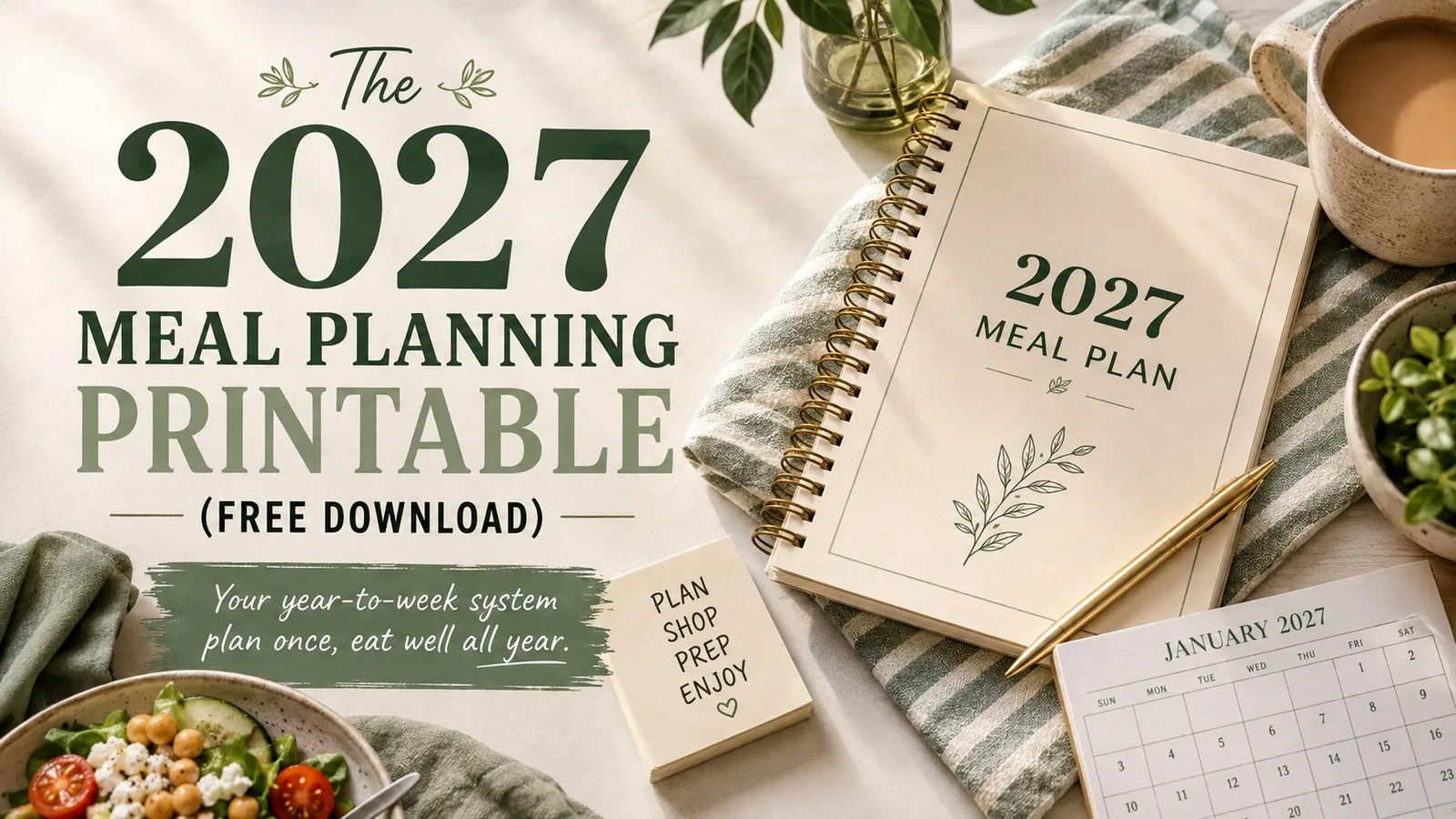
For a deeper reset, pair this with the 2027 Meal Planning Printable so your yearly patterns and weekly decisions live in the same system.
What to do when the system stops working
A meal system should be adjusted, not abandoned.
Problem: everyone is bored
Change one default dinner, not the whole system.
Keep the category and swap the meal:
- tacos → burrito bowls;
- pasta → baked pasta;
- sheet pan → stir-fry.
Problem: you keep skipping one planned meal
That meal is telling you something.
Maybe it takes too long. Maybe nobody likes it. Maybe the ingredients are inconvenient.
Remove it from the default list.
Problem: groceries are still too expensive
Shrink variety before shrinking portions.
Use overlapping ingredients across multiple meals. Chicken can become sheet-pan chicken, tacos, and soup. Spinach can go into pasta, eggs, and bowls.
Problem: the week changes constantly
Use categories instead of exact dishes.
Plan:
- one pasta;
- one taco-style meal;
- one sheet-pan meal;
- one soup;
- one rescue;
- one flex.
Choose the exact versions later.
Your one-page weekly system
You can run the whole method from this checklist:
- Check the calendar for hard nights
- Place 2 anchor meals
- Choose 3 default dinners
- Protect 1 flex slot
- Confirm 1 rescue meal is stocked
- Check pantry and freezer
- Write one grocery list
- Shop on the same day each week
The point is fewer decisions, not stricter rules
A useful January reset should make February easier too.
You do not need 31 days of perfect meal planning. You need a weekly structure that still works when enthusiasm disappears.
Keep the defaults that save time. Keep the anchors that remove arguments. Keep the rescue meal that stops emergency takeout. Replace anything that creates more work than it removes.
That is a meal system: not a resolution you have to maintain, but a set of decisions you no longer have to remake every week.
Turn the idea into a system.
Keep Reading