The best meal system is not the one with the prettiest planner or the biggest recipe database. It is the one that still works on a Wednesday when you are tired, behind, and nobody wants the dinner you planned.
That is why copying someone else’s exact meal-planning routine rarely works for long. Their schedule, budget, family size, cooking tolerance, and difficult nights are not yours.
A better approach is to build the system from the constraints you already live with.
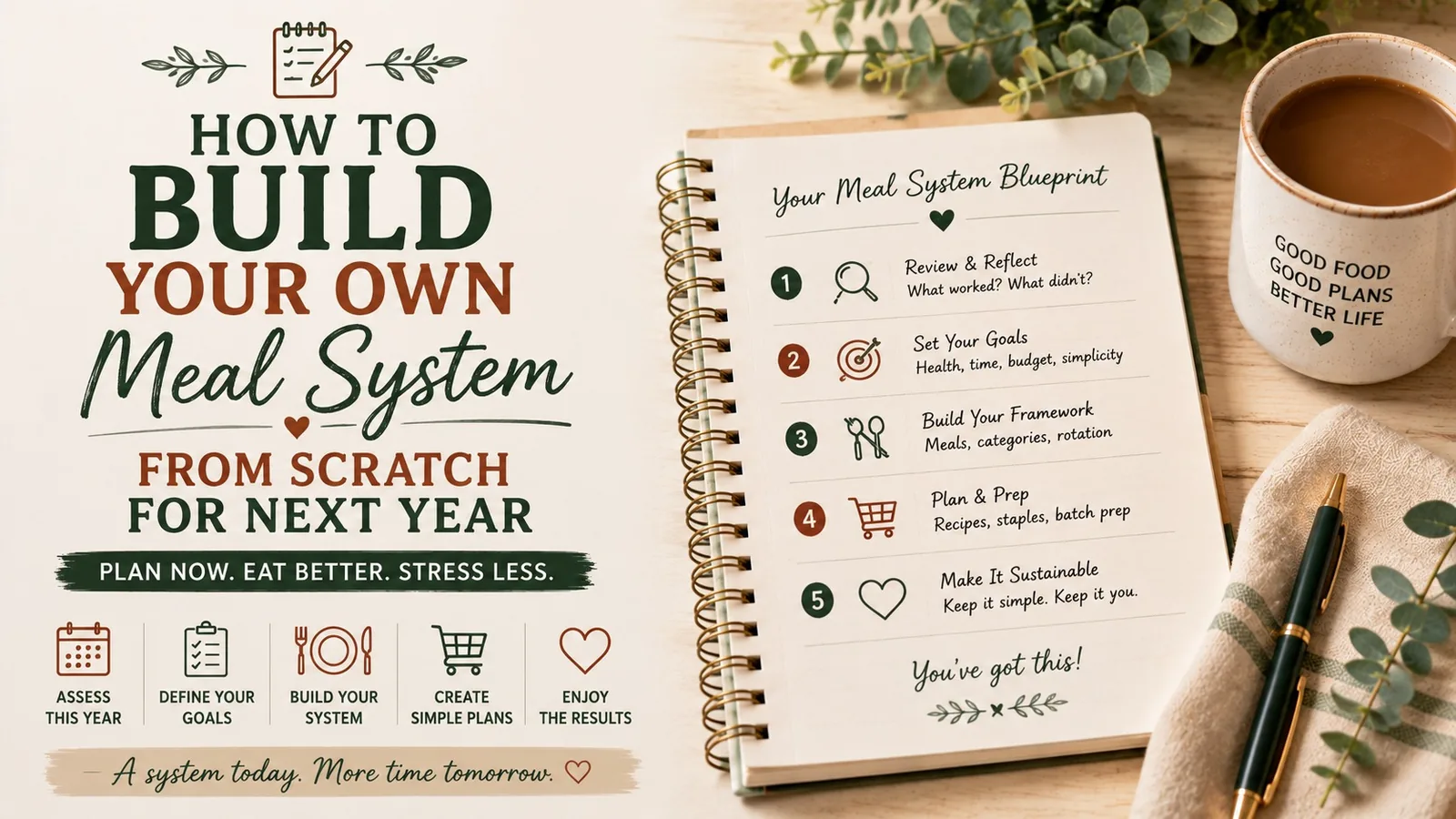
The 5-Part Meal System
Build these five pieces in order:
- Reality map — when cooking is actually possible
- Default dinners — meals that require little thought
- Weekly structure — recurring meal roles, not rigid recipes
- Backup layer — what happens when the plan fails
- Shopping rule — how food enters the house
Once those five pieces exist, recipes become optional inputs instead of the engine of the whole system.
Step 1: Map the week you really have
Before choosing meals, mark your recurring constraints.
For each day, assign one of three energy levels:
- Green: enough time and energy to cook normally
- Yellow: dinner needs to be simple
- Red: dinner should require almost no active cooking
Example:
| Day | Reality | Energy |
|---|---|---|
| Monday | normal evening | Green |
| Tuesday | activity until 6:30 | Red |
| Wednesday | work deadline | Yellow |
| Thursday | normal evening | Green |
| Friday | unpredictable | Yellow |
| Saturday | more time | Green |
| Sunday | prep possible | Green |
Now your plan has somewhere sensible to put different kinds of meals.
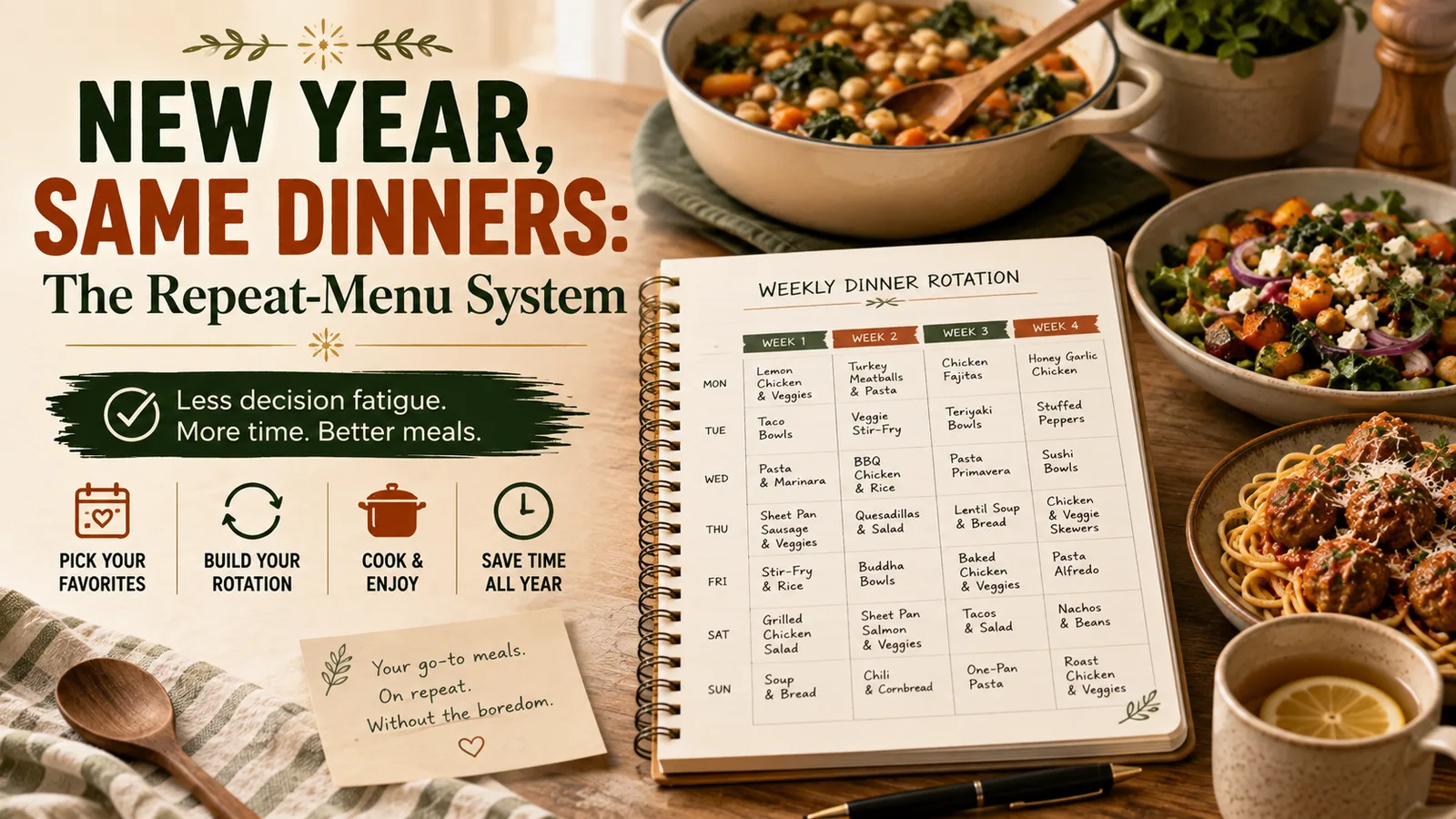
Step 2: Build 10 default dinners
Choose meals your household already knows and accepts.
Do not search for new ideas yet.
A strong default dinner is:
- familiar;
- easy to shop for;
- flexible when an ingredient is missing;
- possible on an ordinary weeknight;
- worth repeating.
Try to cover several formats rather than ten completely unrelated recipes:
- pasta
- tacos
- bowls
- sheet-pan meal
- soup
- eggs/breakfast dinner
- slow-cooker meal
- freezer meal
- sandwiches/wraps
- leftovers remix
Step 3: Give the week recurring roles
You do not need theme nights with cute names unless you enjoy them. You do need constraints that shrink the decision.
For example:
| Day | Role |
|---|---|
| Monday | familiar default |
| Tuesday | freezer / slow cooker |
| Wednesday | leftovers / use-it-up |
| Thursday | pasta, rice or bowls |
| Friday | flexible |
| Saturday | new recipe or favorite |
| Sunday | meal that creates leftovers |
Now planning Thursday means choosing among a small family of meals instead of searching the entire internet.
Step 4: Design the backup before you need it
Most plans fail because the backup plan is “figure something out.”
Choose three emergency levels.
Level 1: Ten-minute dinner
Food already in the house that becomes dinner quickly: eggs, quesadillas, pasta, sandwiches, soup.
Level 2: Freezer rescue
One or two meals you intentionally keep frozen.
Level 3: Planned convenience
A takeout or store-bought option you are comfortable using when the week genuinely needs it.
The presence of a backup does not weaken the system. It makes the system realistic.
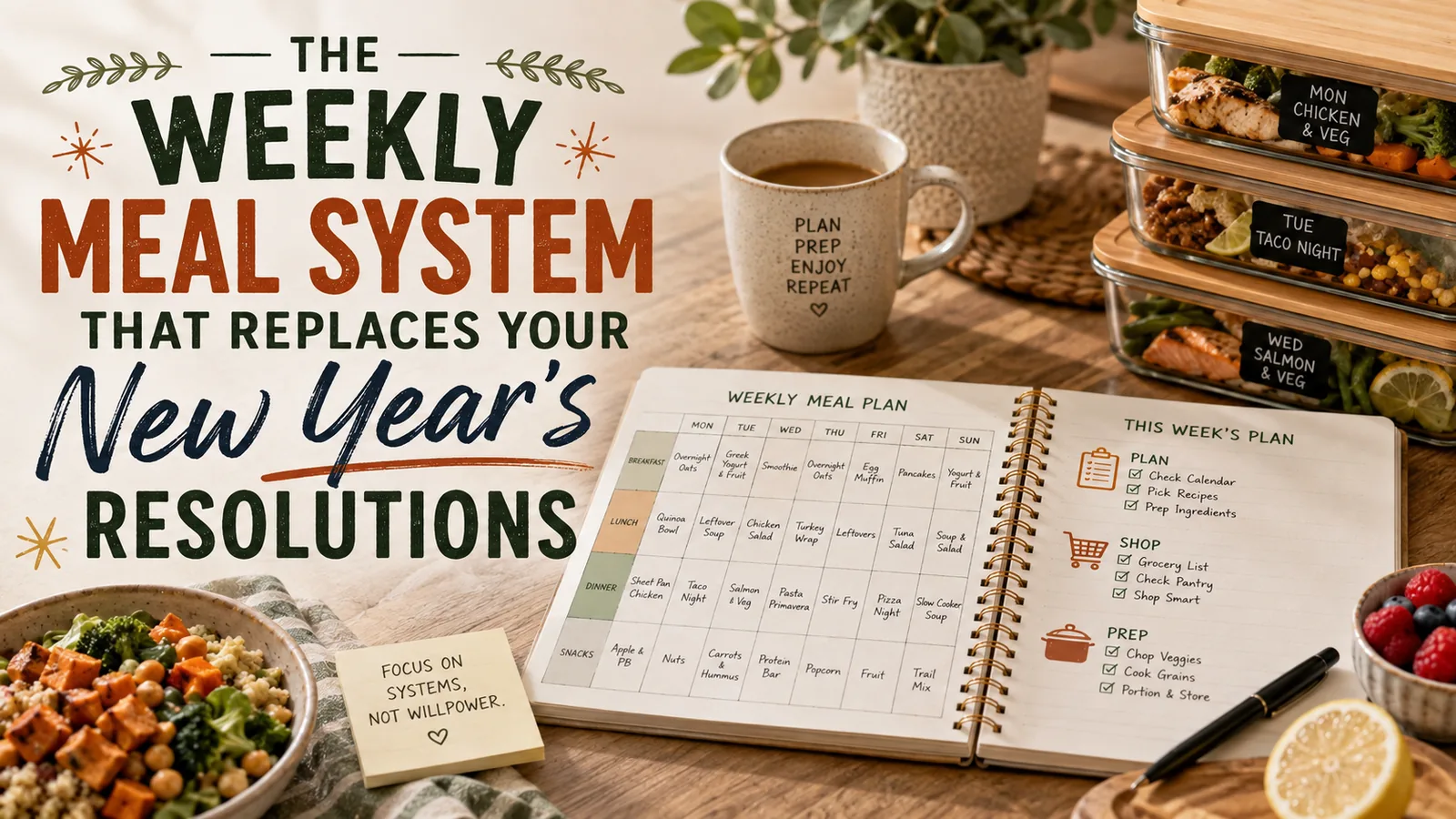
Step 5: Decide how many dinners you actually need to plan
Seven is not automatically the right number.
Look at your normal week. If you eat leftovers once, go out once, and have one flexible night, you may need to plan only four or five dinners.
Start with 5 + 1 + 1
- 5 planned dinners
- 1 leftovers/freezer night
- 1 flexible night
Adjust only after you have used it for several weeks.
Planning fewer meals often improves follow-through because there is room for real life.
Step 6: Create one shopping rule
A grocery system needs a clear trigger for what gets bought.
Try this:
We buy ingredients for the meals currently on the plan, plus our normal staples and two backup meals.
This prevents grocery shopping from turning into recipe collecting.
Before finalizing the list:
- check the calendar;
- check the refrigerator;
- check the freezer;
- choose the week’s dinners;
- write the list from those dinners.
Do not reverse steps four and five.
Step 7: Find your highest-friction task
After two weeks, ask what still makes dinner difficult.
Maybe it is:
- thawing meat;
- chopping vegetables;
- remembering to start the slow cooker;
- deciding lunches;
- having no food ready after late activities;
- forgetting what is in the freezer.
Then add one system for that bottleneck.
Examples:
- move frozen protein to the refrigerator every Sunday night;
- chop only vegetables used in the first three days;
- set a phone reminder for slow-cooker mornings;
- keep a freezer inventory on the door;
- cook double on Sunday specifically for Tuesday.
Do not add five new habits when one would solve the actual problem.
Step 8: Keep a weekly feedback loop
At the end of each week, answer three questions:
- What meal was easiest?
- What food went unused?
- Where did the plan break?
Then make one adjustment.
If the plan breaks every Thursday, Thursday is telling you something. Maybe it should permanently become leftovers night. If vegetables repeatedly go bad, perhaps you are planning too many fresh side dishes. If one freezer dinner saves the week every month, stock two.
Your failures are data.
Step 9: Save weeks that worked
Do not force yourself to invent 52 unique meal plans.
When a week feels unusually smooth, save it as a template.
Label it:
- busy week;
- cheap week;
- cold-weather week;
- no-oven week;
- sports week;
- freezer-reset week;
- holiday recovery week.
After a year, a small collection of proven weeks is far more useful than an enormous recipe archive.
Your one-page operating system
Write these six lines somewhere you can actually see them:
- Hard nights: ______
- 10 default dinners: ______
- Weekly roles: ______
- Three backups: ______
- Dinners planned per week: ______
- Shopping rule: ______
That is your meal system.
You can add printables, batch-cooking routines, budgets, seasonal rotations, or new recipes later. But those are layers. The foundation is knowing how your household makes dinner decisions when nobody has extra energy to make them.
Turn the idea into a system.
Keep Reading