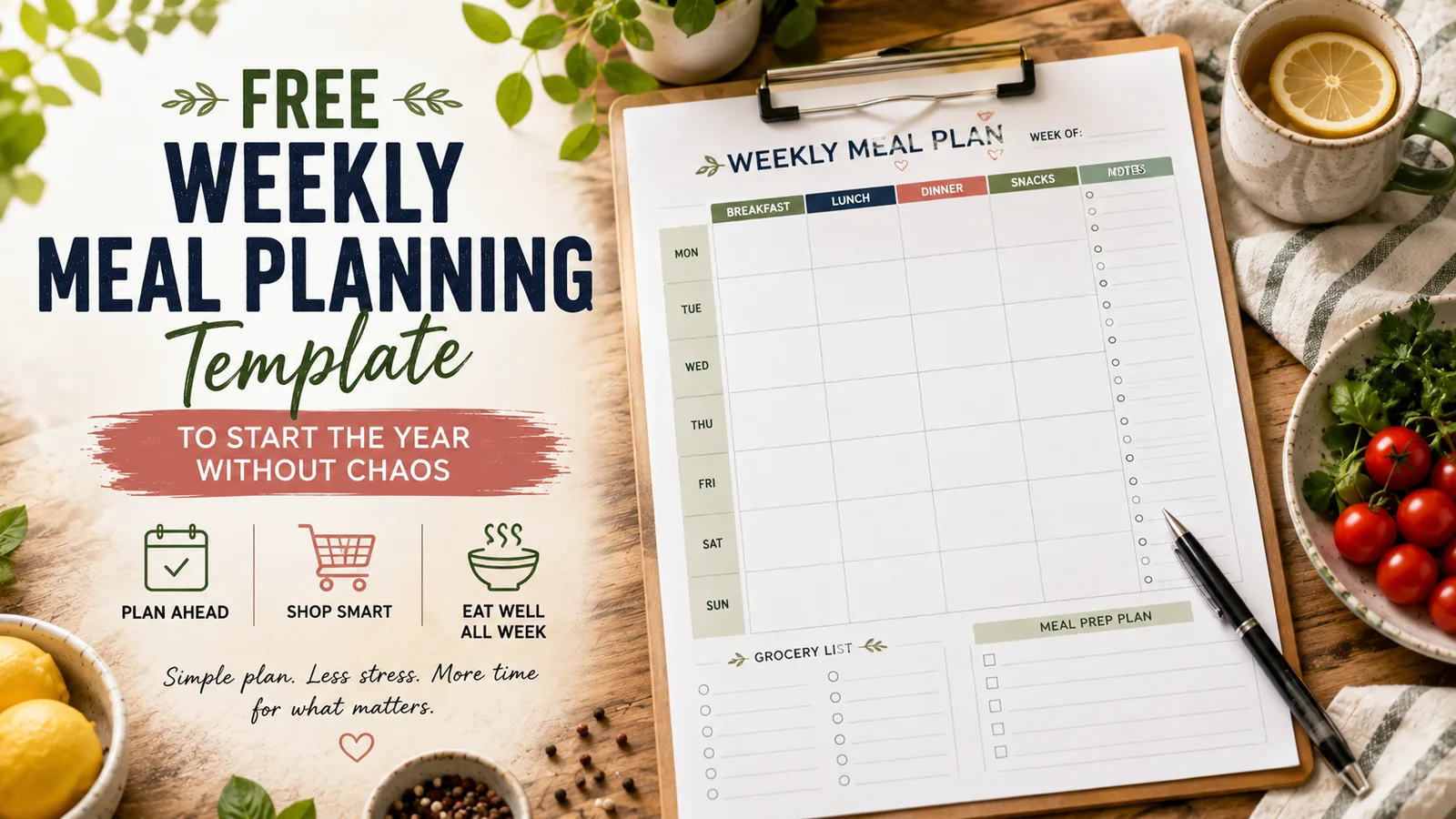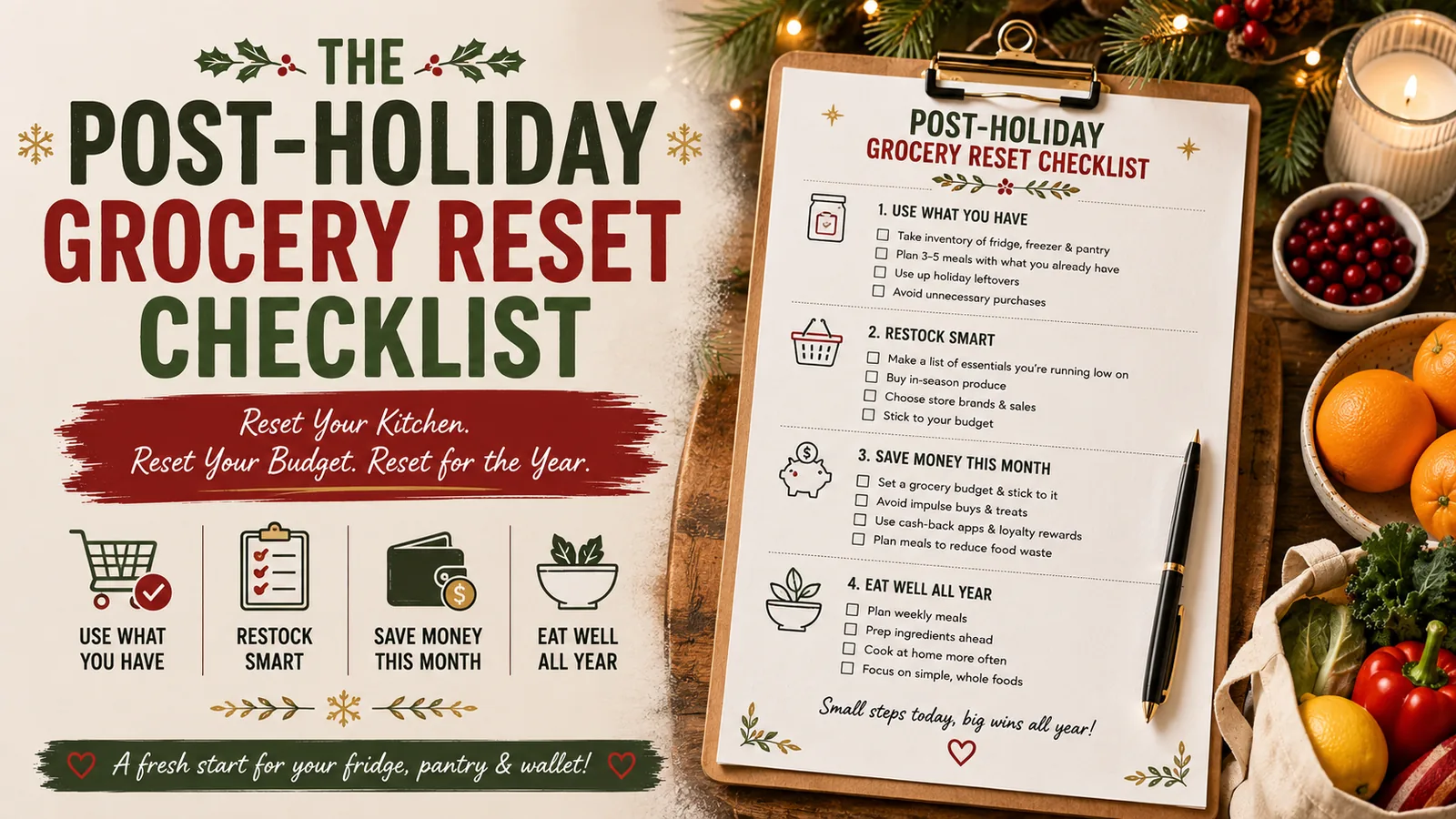
A yearly meal calendar should not ask you to decide what you are eating on October 14 while you are still in January.
That is too much detail too early.
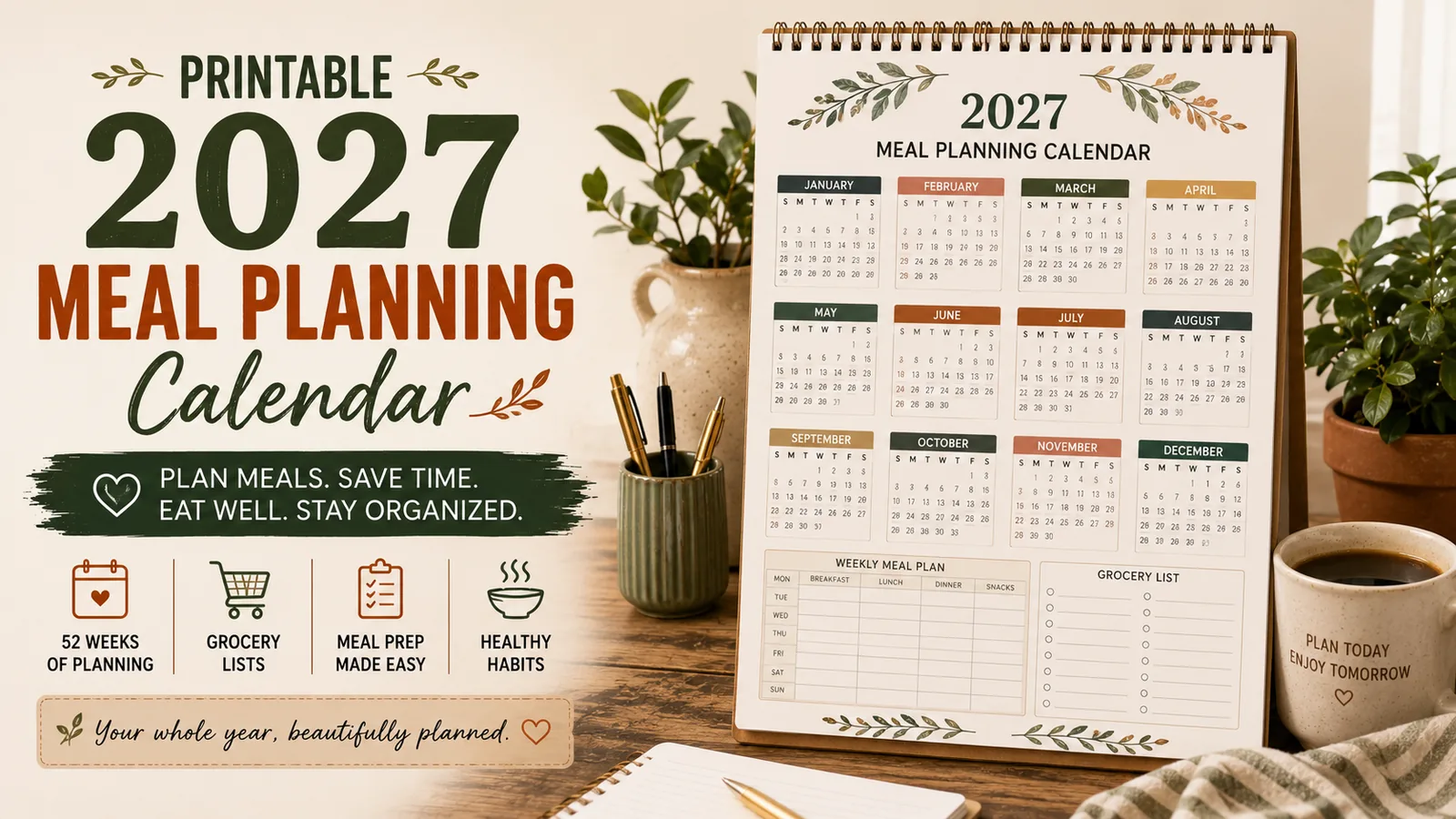
A useful 2027 meal-planning calendar works at a higher level: it helps you decide which meal patterns repeat, which months need a reset, and when your grocery and prep routines usually change.
The exact dinners can still be planned week by week.
What this calendar is for
Think of the calendar as the bridge between a yearly plan and your weekly meal sheet.
It is designed to hold four kinds of decisions:
- recurring meal patterns;
- seasonal changes;
- monthly grocery priorities;
- known high-stress weeks.
It is not designed to hold 365 individual meal names.
That keeps the calendar useful instead of turning it into a prediction exercise.
Layer 1: mark your recurring meal anchors
Start with meals or meal categories that already repeat.
Examples:
- Taco Tuesday;
- Friday pizza;
- Sunday slow-cooker meal;
- Wednesday 20-minute dinner;
- one leftovers night;
- one flex night.
If those patterns work most weeks, they belong on the yearly calendar because they reduce decisions across the whole year.
You do not need an anchor for every day.
Two or three is enough.
Example
| Day | Anchor |
|---|---|
| Tuesday | Taco-style meal |
| Friday | Pizza / freezer / takeout |
| Sunday | Batch or slow-cooker meal |
Those anchors can stay the same while the exact recipes change.
Layer 2: give each month one meal-planning priority
Instead of setting a dozen January goals, give each month one practical focus.
For example:
| Month | Planning focus |
|---|---|
| January | Grocery + pantry reset |
| February | Repeat-menu refinement |
| March | Pantry/freezer inventory |
| April | Spring produce + lighter meals |
| May | End-of-school-year easy dinners |
| June | Summer freezer/no-cook options |
| July | Travel + grilling systems |
| August | Back-to-school routines |
| September | Fall routine reset |
| October | Halloween + busy-night planning |
| November | Thanksgiving systems |
| December | Holiday hosting + budget protection |
Now your calendar has a purpose beyond recording dates.
Each month answers one question: what part of the meal system needs attention now?
Layer 3: mark predictable chaos weeks
Some weeks are harder every year.
Examples:
- first week back at school;
- holiday travel;
- birthdays;
- sports tournaments;
- tax deadlines;
- major work periods;
- Thanksgiving week;
- the week before Christmas.
Mark them now.
You do not need to plan the exact meals. Add a label such as:
- freezer week;
- no-new-recipes week;
- rescue-meal week;
- takeout budget allowed;
- batch ahead previous weekend.
Chaos-Week Rule
When you know a week will be difficult, simplify the food plan before the week arrives.
Use more defaults, freezer meals, leftovers, and convenience foods — not more ambitious planning.
Layer 4: schedule pantry and freezer resets
Do not wait until the freezer is impossible to close.
Add four light inventory weeks to the calendar.
A useful rhythm is:
- January;
- April;
- July;
- October.
During those weeks:
- identify older frozen food;
- use open pantry items;
- remove anything no longer usable;
- note staples that truly need restocking;
- plan 2-4 meals from existing inventory.
This turns inventory management into a routine rather than a crisis.
Layer 5: map seasonal meal shifts
Your meal system should change when life and weather change.
Use broad categories instead of exact menus.
Winter
- soups;
- casseroles;
- slow cooker;
- oven meals.
Spring
- sheet-pan meals;
- fresh vegetables;
- lighter pasta;
- bowls.
Summer
- grilling;
- no-cook meals;
- wraps;
- salads;
- freezer-friendly shortcuts.
Fall
- soups;
- batch cooking;
- back-to-school defaults;
- slow cooker.
Mark the transition month on the calendar so you know when to adjust your regular rotation.
The 2027 calendar setup
Use one page for the year and one small section for each month.
Your annual page can include:
Fixed meal anchors
- Tuesday: taco-style
- Friday: easy/flex
- Sunday: batch/slow cooker
Quarterly reset weeks
- Jan 4
- Apr 5
- Jul 5
- Oct 4
Seasonal shifts
- March/April: spring
- May/June: summer
- August/September: school/fall
- November: holiday systems
High-stress dates
Add your own known events.
Then use each monthly box for:
- monthly focus;
- 2-3 meals to repeat more often;
- one grocery-budget note;
- freezer/pantry priority;
- special events.
January example
Here is what January could look like:
Focus: grocery reset
Repeat meals: chili, tacos, pasta
Pantry goal: use rice, beans, frozen chicken
Budget note: separate normal groceries from restock spending
Chaos week: first full week back to routine
Prep rule: no more than one new recipe per week
Notice that this is enough information to guide weekly planning without filling every date box.
How the calendar connects to weekly planning
At the start of each week, look at the monthly section and pull forward only what matters.
For example:
January says:
- pantry-first;
- repeat chili/tacos/pasta;
- protect grocery budget.
Your weekly plan can then become:
- Monday: chili;
- Tuesday: tacos;
- Wednesday: pantry pasta;
- Thursday: rescue meal;
- Friday: flex;
- Saturday: new recipe;
- Sunday: batch meal.
The annual calendar guides the system. The weekly page chooses the actual food.
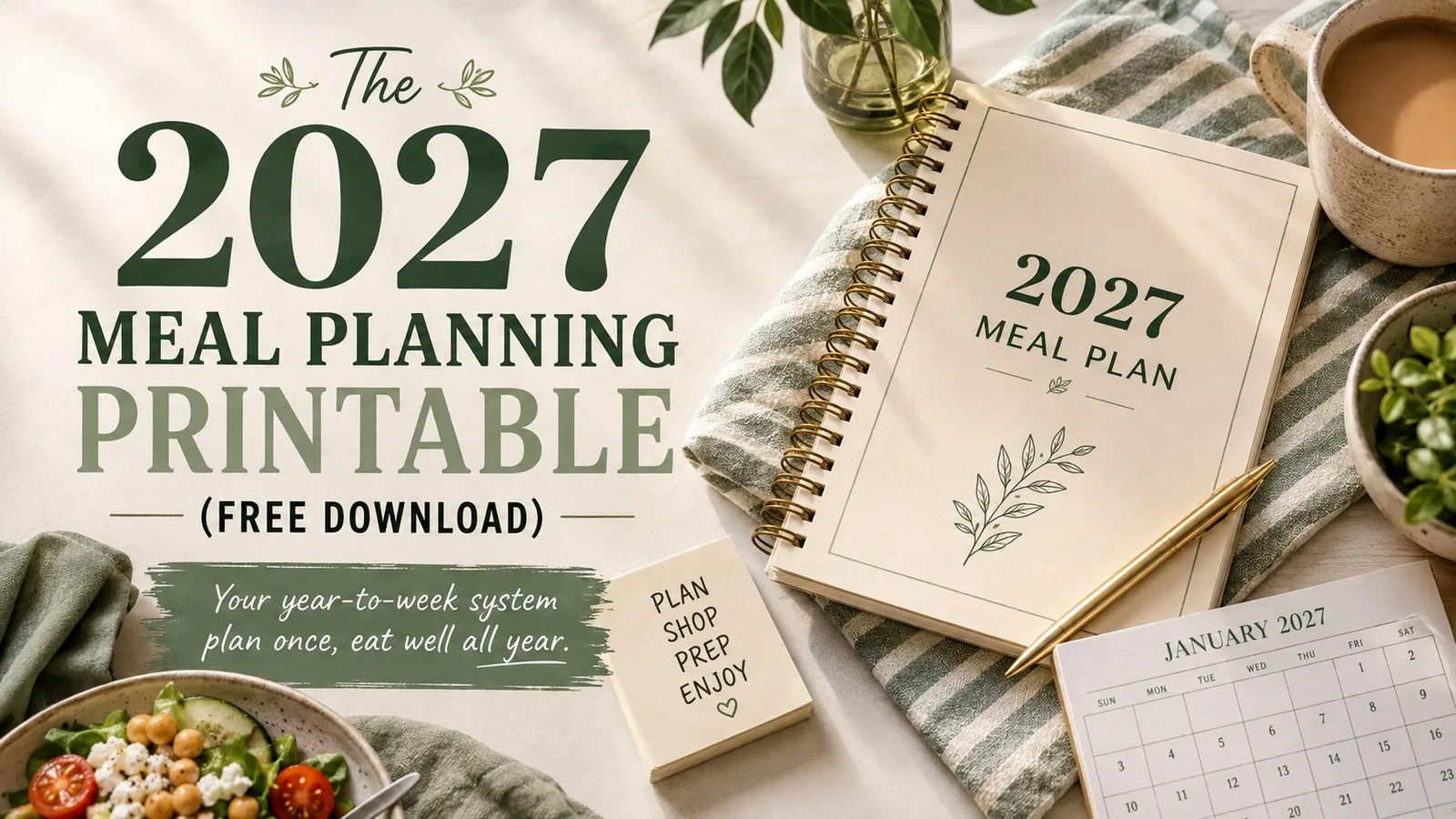
This is the same year-to-week logic used in the 2027 Meal Planning Printable, but this calendar version is specifically about seeing the whole year at a glance.
Do not overfill the calendar
A common planning mistake is adding too much information because the page has empty space.
You do not need to record:
- every breakfast;
- every lunch;
- every recipe;
- every grocery trip;
- detailed prep tasks months in advance.
Leave white space.
Your future schedule will change.
A useful yearly plan gives future-you direction without creating promises future-you has to keep.
The 15-minute yearly setup
You can create the first version quickly.
Minutes 0-4
Write 2-3 recurring meal anchors.
Minutes 4-8
Give each month one focus.
Minutes 8-11
Mark known chaos weeks and holidays.
Minutes 11-13
Add quarterly pantry/freezer resets.
Minutes 13-15
Mark seasonal meal transitions.
Then stop.
You can add detail when each month gets closer.
Yearly planning target15 minutes for the first pass
Your 2027 planning checklist
- Choose 2-3 recurring meal anchors
- Assign one practical focus to each month
- Mark predictable chaos weeks
- Schedule four pantry/freezer resets
- Note seasonal meal transitions
- Use monthly boxes for priorities, not 30 exact dinners
- Transfer only relevant decisions into each weekly plan
- Update the calendar when real life changes
A calendar should reduce future decisions
The value of a yearly meal-planning calendar is not that it predicts your meals accurately.
It is that it remembers your patterns for you.
When January arrives, you already know it is a pantry and grocery reset. When August arrives, you know the school-night system needs to come back. When November arrives, you know hosting and Thanksgiving need their own planning rhythm.
That is enough structure to make each new month easier without planning the entire year in advance.
Turn the idea into a system.
Keep Reading