A full freezer should make meal planning easier. Instead, it often becomes the place where good intentions disappear.
You know there is chicken somewhere behind the frozen berries. You vaguely remember freezing soup. You buy another bag of broccoli because you cannot remember whether the one at home was finished.
The problem is not that you need a bigger freezer. You need a way to see the freezer without opening it.
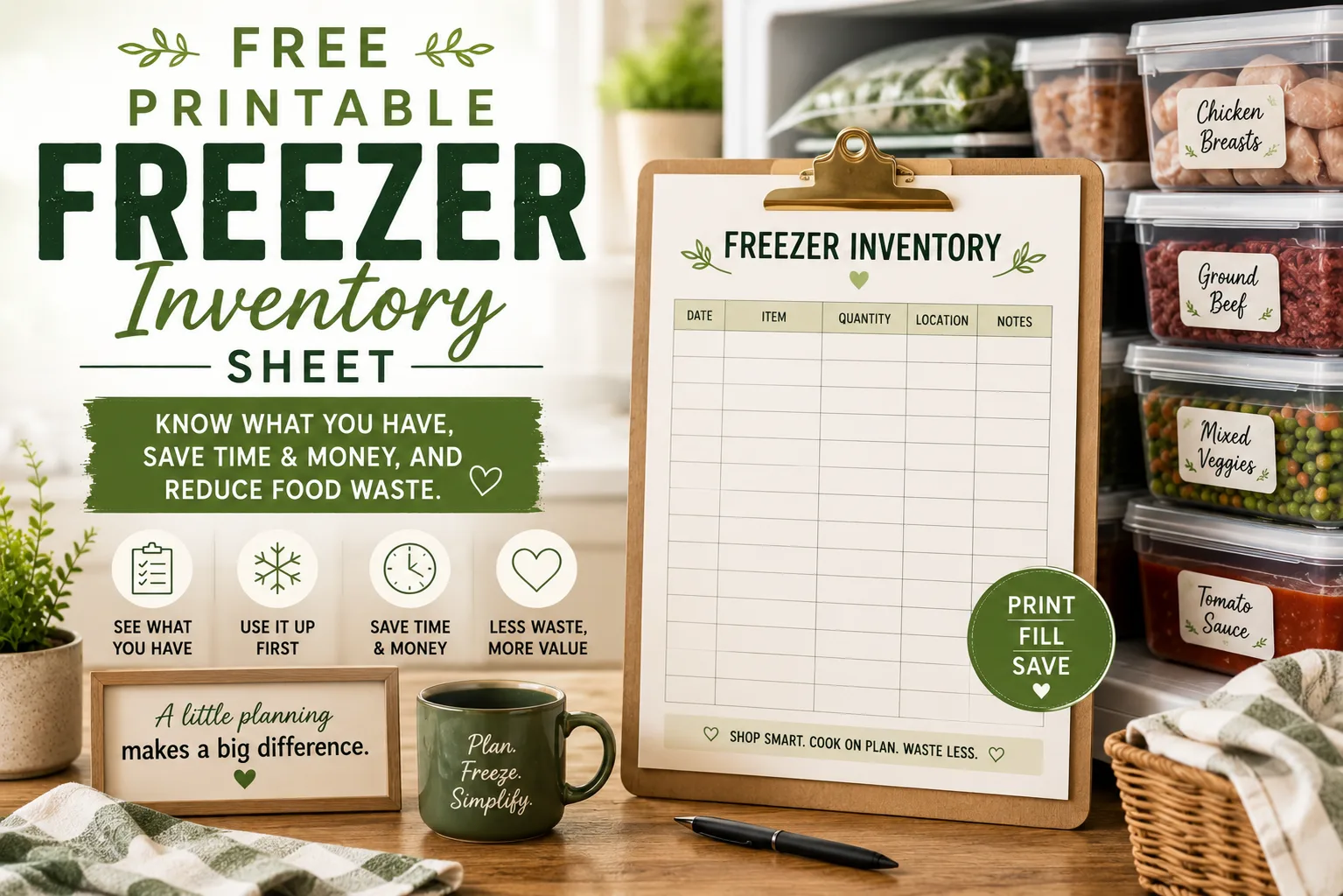
That is what a freezer inventory sheet does.
What the freezer inventory needs to track
Keep it simple. For most households, four pieces of information are enough:
| Item | Quantity | Frozen/Added | Use First? |
|---|---|---|---|
| Chicken thighs | 2 packs | Feb | No |
| Chili | 3 portions | Feb | Yes |
| Broccoli | 1 bag | Mar | No |
| Bread | 1 loaf | Mar | No |
You do not need weights, prices, freezer coordinates, or exact expiration calculations unless those details genuinely help you.
The sheet exists to answer three practical questions:
- What food is in the freezer?
- How much is left?
- What should we use next?
The printable layout
Divide your sheet into five sections:
PROTEINS
- Chicken
- Beef
- Pork
- Fish
- Ground meat
- Meat alternatives
VEGETABLES & FRUIT
- Frozen vegetables
- Frozen fruit
- Herbs
- Smoothie ingredients
PREPARED MEALS
- Soups and stews
- Casseroles
- Pasta dishes
- Curries
- Meal-prep portions
BREAD & BREAKFAST
- Bread
- Rolls
- Tortillas
- Muffins
- Waffles
- Breakfast items
EXTRAS
- Broth
- Sauces
- Cheese
- Dough
- Desserts
- Miscellaneous ingredients
These categories make the sheet scannable while planning meals.
How to set it up without emptying the freezer
Do not start by unloading everything onto the kitchen floor.
Work one shelf, drawer, or basket at a time.
For each area:
- Identify the item.
- Estimate the usable quantity.
- Add it to the correct section.
- Mark older or forgotten foods “Use First.”
- Return it in a logical group.
If you find something unidentifiable or clearly no longer usable, deal with it now rather than putting it back.
Your first inventory does not need to be perfect. It needs to be useful enough that you stop buying food you already have.
Use quantities you can understand quickly
Do not write “1.7 lb chicken” unless that is how you think about dinner.
Write:
- 2 dinner packs;
- 4 burger patties;
- 3 soup portions;
- 1 family casserole;
- ½ bag peas;
- 6 tortillas.
Inventory should translate directly into meals.
If “2 packs chicken” means two dinners to you, the meal-planning decision is almost finished.
The Use First column is the most important part
A freezer can preserve food for a long time, but it cannot preserve your memory of why you froze it.
Use First creates a queue.
Mark an item when:
- it has been frozen longer than similar foods;
- the packaging is damaged or developing freezer burn;
- it is an awkward leftover portion;
- you repeatedly skip over it;
- you need freezer space;
- it is a prepared meal you want to rotate out.
During meal planning, choose at least one item from Use First before adding new freezer meals.
The freezer-out rule
Whenever something leaves the freezer, update the sheet immediately.
You can:
- cross it out;
- reduce the quantity;
- erase it if the sheet is laminated;
- update a digital copy if you prefer.
The system fails when the inventory becomes a historical document instead of a live one.
Keep a pen next to the sheet. Put the sheet on the freezer, inside a nearby cabinet, or on the refrigerator—wherever updating it takes seconds.
The freezer-in rule
When new food goes in, add it before you walk away.
For batch cooking, write portions rather than recipe volume.
Instead of:
Beef chili — one large container
write:
Beef chili — 4 dinner portions
If you freeze four individual servings, write 4. Each time you use one, reduce the number.
Turn inventory into a weekly meal plan
Before choosing recipes, scan the sheet for meal anchors.
Suppose it shows:
- 1 pack chicken thighs;
- 2 portions lentil soup — Use First;
- 1 bag broccoli;
- 4 burger patties;
- ½ loaf bread;
- frozen berries.
Your week already has structure:
Monday: lentil soup + bread
Tuesday: chicken thighs + broccoli + pantry rice
Wednesday: flexible/fresh meal
Thursday: burgers + vegetables
Breakfast: berries with oats or yogurt
That is several decisions removed before you search for a single new recipe.
Add a “Freezer Meals Available” box
At the top of the printable, create a small box called:
READY-TO-EAT MEALS
List only foods that require minimal work:
- 2 chili portions;
- 1 lasagna;
- 3 breakfast burritos;
- 1 curry;
- 4 soup servings.
This box is especially useful on nights when the original meal plan collapses.
Instead of ordering takeout because you “have nothing ready,” you can see the emergency options immediately.
Add a “Freezer Space Needed” trigger
Freezer inventory is also a capacity-management system.
If your freezer is more than comfortably full, stop adding batch-cooked meals for a week or two and switch to a freezer-first plan.
Choose three to five frozen items and build the week around them.
A freezer should circulate. If food only goes in, it becomes long-term storage rather than a meal system.
A monthly 10-minute freezer reset
Once a month:
- Compare the sheet with the actual freezer.
- Correct quantities.
- Move older foods to Use First.
- Remove unusable items.
- Group similar foods together.
- Choose two freezer items for the next meal plan.
You do not need to defrost and deep-clean the freezer every month. This is an inventory reset, not a cleaning project.
Printable freezer inventory template
Copy or print this structure:
READY-TO-EAT MEALS
- ____________________ Qty: ____
- ____________________ Qty: ____
- ____________________ Qty: ____
PROTEINS
- ____________________ Qty: ____ Added: ____ Use First: □
- ____________________ Qty: ____ Added: ____ Use First: □
- ____________________ Qty: ____ Added: ____ Use First: □
VEGETABLES & FRUIT
- ____________________ Qty: ____ Added: ____ Use First: □
- ____________________ Qty: ____ Added: ____ Use First: □
PREPARED MEALS
- ____________________ Qty: ____ Added: ____ Use First: □
- ____________________ Qty: ____ Added: ____ Use First: □
BREAD & BREAKFAST
- ____________________ Qty: ____ Added: ____ Use First: □
- ____________________ Qty: ____ Added: ____ Use First: □
EXTRAS
- ____________________ Qty: ____ Added: ____ Use First: □
- ____________________ Qty: ____ Added: ____ Use First: □
The habit that makes the printable work
The printable itself is not the system.
The system is this:
Add food when it goes in. Subtract food when it comes out. Check the sheet before you plan or shop.
Those three tiny habits turn the freezer from a cold mystery box into a visible extension of your pantry.
You will know when you have an emergency dinner, when you can skip buying protein, when frozen vegetables need replenishing, and when it is time to eat down what you already own.
That is exactly what a useful inventory should do.
Turn the idea into a system.
Keep Reading